

AWS Secrets Manager Security
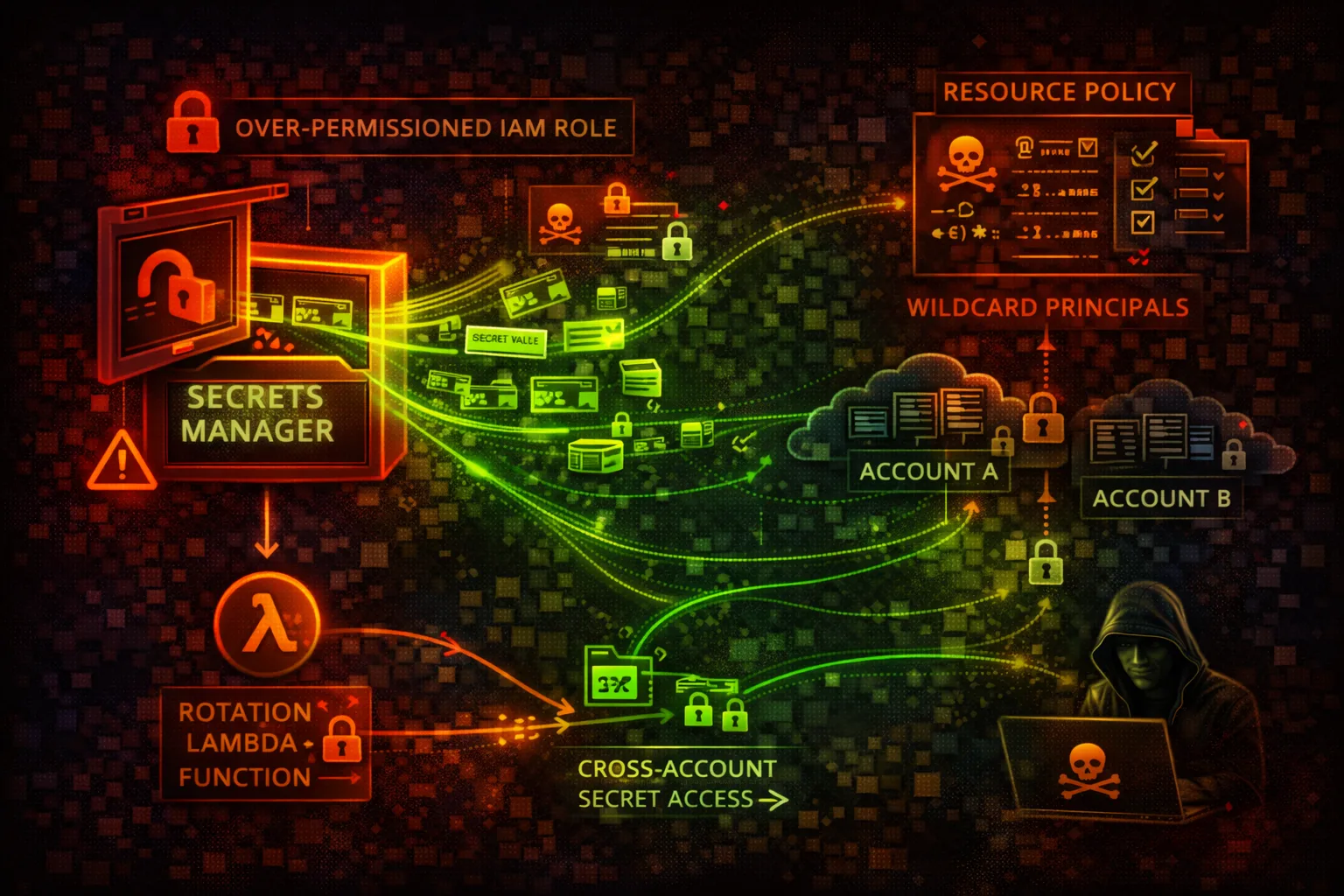
SECRETSSecrets Manager stores and rotates credentials, API keys, and other secrets. Over-permissive policies and exposed secret ARNs are primary attack vectors.
📋Service Overview
Secret Storage
Secrets are encrypted with KMS and can have resource-based policies. IAM policies control who can retrieve secret values. Secret ARNs exposed in Lambda env vars are a common issue.
Attack note: Compromised Lambda roles with GetSecretValue permission grant access to all referenced secrets.
Secret Rotation
Rotation Lambda functions update secrets automatically. These functions have access to both old and new credential values during rotation.
Attack note: Backdoored rotation Lambda can exfiltrate every new credential on rotation.
Security Risk Assessment
Secrets Manager contains the keys to the kingdom. Database passwords, API keys, and OAuth tokens enable access to all connected systems and data.
⚔️Attack Vectors
Access Exploitation
- •Over-permissive IAM policies
- •Lambda env vars expose ARNs
- •CloudFormation outputs leak
- •Cross-account access misconfigured
- •Resource policy allows Principal: *
Rotation Abuse
- •Backdoor rotation Lambda
- •Intercept during rotation
- •Modify rotation function
- •Disable rotation
- •Access previous versions
⚠️Misconfigurations
Policy Issues
- •Resource policy Principal: *
- •No VPC endpoint restriction
- •Wildcard secret permissions
- •No condition keys used
- •Using AWS managed KMS key
Security Settings
- •Rotation not enabled
- •Long rotation periods
- •No resource tags for ABAC
- •Secret in multiple regions
- •No audit logging
🔍Enumeration
aws secretsmanager list-secretsaws secretsmanager describe-secret \
--secret-id NAMEaws secretsmanager get-resource-policy \
--secret-id NAMEaws secretsmanager list-secret-version-ids \
--secret-id NAMEaws secretsmanager list-secrets \
--filters Key=tag-key,Values=Environment🔓Secret Extraction
Direct Access
- •GetSecretValue current version
- •GetSecretValue previous versions
- •Batch get multiple secrets
- •Access via Lambda execution
- •Cross-account retrieval
Indirect Access
- •Modify secret to known value
- •Intercept rotation Lambda
- •CloudTrail log analysis
- •Memory dump of application
- •Parameter Store fallback
Key insight: One GetSecretValue permission often grants access to database, API keys, and OAuth tokens.
🔗Persistence
Secret Modification
- •Add version with backdoor creds
- •Modify existing secret value
- •Create new secret with backdoor
- •Cross-account replication
- •Tag-based access persistence
Rotation Backdoor
- •Modify rotation Lambda code
- •Add exfil to rotation function
- •Create custom rotation Lambda
- •Disable then re-enable rotation
- •Modify rotation schedule
🛡️Detection
CloudTrail Events
- •GetSecretValue
- •PutSecretValue
- •UpdateSecret
- •DeleteSecret
- •PutResourcePolicy
Indicators of Compromise
- •Unusual GetSecretValue patterns
- •Access from unexpected IPs
- •Failed access attempts
- •Policy modifications
- •Rotation failures
💻Exploitation Commands
aws secretsmanager get-secret-value \
--secret-id prod/database/adminaws secretsmanager get-secret-value \
--secret-id NAME \
--version-stage AWSPREVIOUSaws secretsmanager put-secret-value \
--secret-id NAME \
--secret-string '{"user":"admin","pass":"backdoor"}'aws secretsmanager put-resource-policy \
--secret-id NAME \
--resource-policy file://open-policy.jsonaws secretsmanager create-secret \
--name prod/backdoor \
--secret-string "attacker-creds"aws secretsmanager cancel-rotate-secret \
--secret-id NAME📜Resource Policy Examples
{
  "Version": "2012-10-17",
  "Statement": [{
    "Effect": "Allow",
    "Principal": "*",
    "Action": "secretsmanager:GetSecretValue",
    "Resource": "*"
  }]
}
Anyone can retrieve this secret - complete exposure
{
  "Version": "2012-10-17",
  "Statement": [{
    "Effect": "Allow",
    "Principal": {"AWS": "arn:aws:iam::123456789012:role/AppRole"},
    "Action": "secretsmanager:GetSecretValue",
    "Resource": "*",
    "Condition": {
      "StringEquals": {"aws:SourceVpc": "vpc-12345"},
      "ForAllValues:StringEquals": {
        "secretsmanager:VersionStage": "AWSCURRENT"
      }
    }
  }]
}
Only specific role from VPC can access current version
{
  "Version": "2012-10-17",
  "Statement": [{
    "Effect": "Allow",
    "Action": "secretsmanager:*",
    "Resource": "*"
  }]
}
Full access to all secrets in account
{
  "Version": "2012-10-17",
  "Statement": [{
    "Effect": "Allow",
    "Action": ["secretsmanager:GetSecretValue"],
    "Resource": "arn:aws:secretsmanager:*:*:secret:prod/app/*",
    "Condition": {
      "StringEquals": {"aws:ResourceTag/team": "myteam"}
    }
  }]
}
Read-only access to tagged secrets in specific path
🛡️Defense Recommendations
Use Customer Managed KMS Key
Audit and control decryption access separately.
aws secretsmanager create-secret \
--kms-key-id alias/my-key --name ...Enable Automatic Rotation
Rotate credentials regularly (30 days or less).
aws secretsmanager rotate-secret \
  --secret-id NAME \
--rotation-rules AutomaticallyAfterDays=30VPC Endpoint Policy
Restrict secret access to within VPC only.
"Condition": {"StringEquals": \
{"aws:SourceVpc": "vpc-xxx"}}Resource-Based Policy
Explicitly deny unauthorized principals.
aws secretsmanager put-resource-policy \
--secret-id NAME --resource-policy ...Tag-Based Access Control
Use ABAC for fine-grained access control.
"Condition": {"StringEquals": \
{"aws:ResourceTag/Environment": "prod"}}CloudTrail Monitoring
Alert on GetSecretValue calls from unexpected sources.
CloudWatch Alarm: GetSecretValue count > thresholdAWS Secrets Manager Security Card • Toc Consulting
Always obtain proper authorization before testing
KloudSec, built by the team behind Toc Consulting
See Secrets Manager security checked automatically, continuously
What you just read is a manual, one-time check. KloudSec runs this and 400+ more automated checks across 90+ AWS services, continuously, agentless, live in about 5 minutes.
Toc Consulting: AWS Security & Cloud Architecture
Securing your AWS estate?
Our team helps engineering teams secure and architect AWS the right way: assessment in week one, a prioritized action plan in week two.