
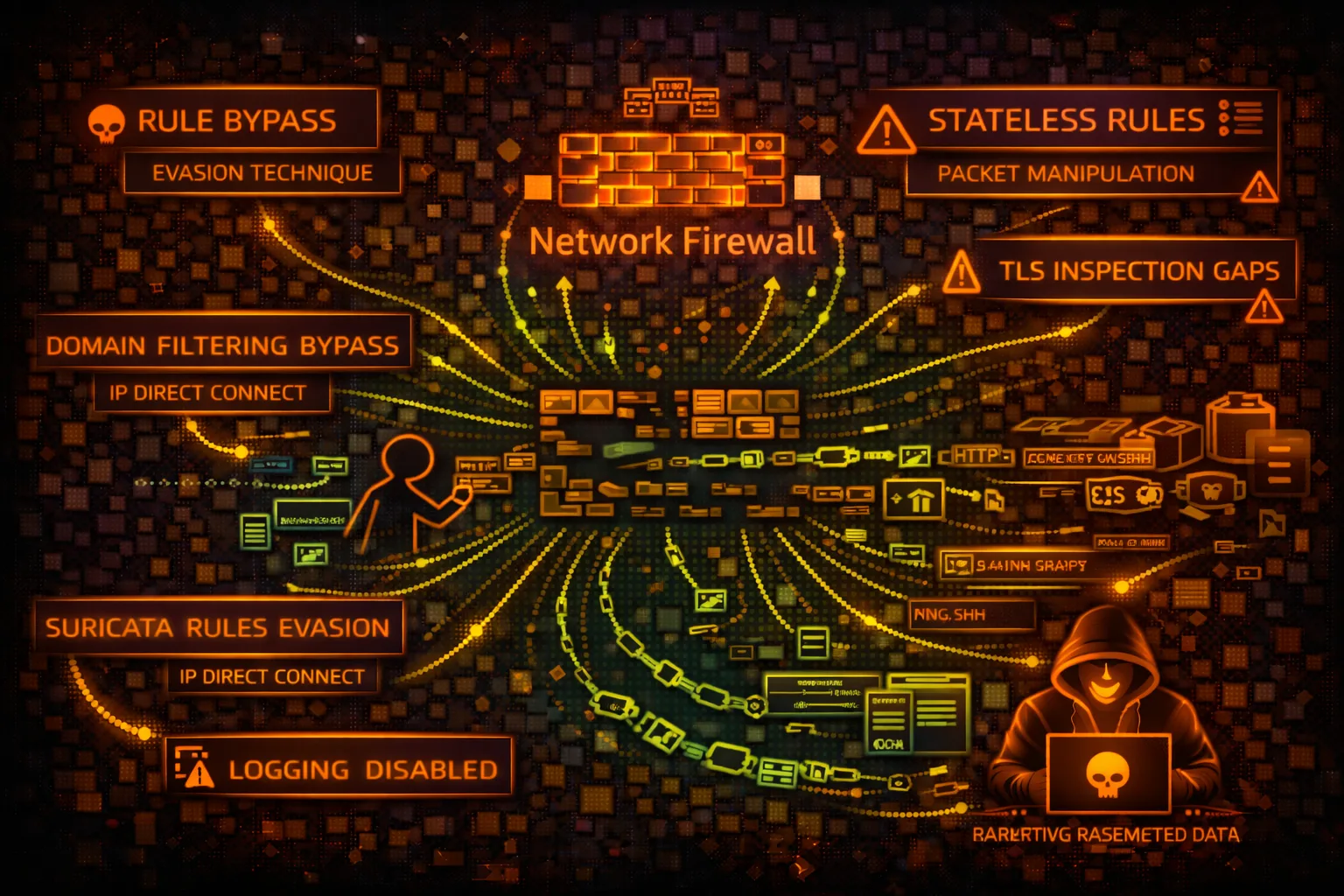

AWS Network Firewall Security
NETWORKAWS Network Firewall provides stateful inspection, IDS/IPS, and domain filtering for VPCs. Security risks include rule bypass, logging gaps, and TLS inspection evasion.
📋Service Overview
Rule Groups
Stateless rules evaluate packets individually. Stateful rules track connection state. Suricata-compatible rules enable IDS/IPS signatures. Domain lists filter HTTP/TLS traffic.
Attack note: Stateless rules have priority. Lower priority pass rules can bypass higher deny rules in some configurations.
Firewall Policies
Policies combine rule groups with ordering. Default actions define what happens to non-matching traffic. Strict order vs action order affects rule evaluation.
Attack note: Default pass actions allow traffic not explicitly blocked. Missing rules = allowed traffic.
Security Risk Assessment
Network Firewall is a defensive control, so risk is about bypassing it. Misconfigured rules, logging gaps, and TLS inspection limitations create opportunities for attackers to evade detection.
⚔️Attack Vectors
Protocol Evasion
- •IP fragmentation to evade inspection
- •TCP segmentation attacks
- •HTTP/2 protocol to bypass HTTP rules
- •QUIC/UDP to bypass TLS inspection
- •DNS over HTTPS (DoH) bypassing
Rule Gaps
- •Direct IP access bypassing domain rules
- •Non-standard ports for blocked protocols
- •Allowed domain for C2 (*.amazonaws.com)
- •IPv6 if only IPv4 rules configured
- •Encrypted channels within allowed TLS
⚠️Misconfigurations
Rule Issues
- •Default pass action for unmatched
- •Stateless priority misconfiguration
- •Missing rules for critical protocols
- •Overly broad allow rules
- •Incomplete domain allow lists
Deployment Issues
- •Logging disabled or partial
- •TLS inspection not configured
- •Routing tables bypassing firewall
- •No alerts on rule matches
- •Unmonitored dropped traffic
🔍Enumeration
aws network-firewall list-firewallsaws network-firewall describe-firewall \
--firewall-name FIREWALL_NAMEaws network-firewall list-rule-groupsaws network-firewall describe-rule-group \
--rule-group-name GROUP_NAME \
--type STATEFULaws network-firewall describe-firewall-policy \
--firewall-policy-name POLICY_NAME📈Rule Manipulation
With Modify Permissions
- •Add pass rule for attacker C2
- •Remove block rules
- •Disable logging for specific traffic
- •Add exception for attacker domain
- •Modify alert to pass action
Impact
- •Enable C2 communication
- •Allow data exfiltration paths
- •Disable IDS detection
- •Remove evidence of attacks
- •Open reverse shell ports
🥷Detection Evasion
Traffic Techniques
- •Domain fronting via CDN
- •Steganography in allowed traffic
- •Slow/low data exfiltration
- •Protocol tunneling (DNS, ICMP)
- •Encrypted payloads in TLS
Infrastructure
- •C2 on allowed domains (S3, CloudFront)
- •Use legitimate cloud services
- •Dynamic domain generation (DGA)
- •Peer-to-peer within VPC
- •VPC endpoints bypass inspection
🛡️Detection
CloudTrail Events
- •CreateFirewall - new firewall
- •UpdateFirewallPolicy - policy change
- •CreateRuleGroup - new rules
- •UpdateRuleGroup - rule modification
- •DeleteRuleGroup - rules removed
Indicators of Compromise
- •Rule modifications outside change windows
- •New pass rules for unusual destinations
- •Logging configuration changes
- •Unusual blocked traffic patterns
- •Suricata alerts for known threats
💻Recon & Manipulation Commands
aws network-firewall describe-rule-group \
  --rule-group-arn RULE_GROUP_ARN \
--query 'RuleGroup.RulesSource'aws network-firewall describe-rule-group \
--rule-group-arn ARN \
--query 'RuleGroup.RulesSource.RulesSourceList'aws network-firewall describe-logging-configuration \
--firewall-arn FIREWALL_ARNaws network-firewall update-rule-group \
--rule-group-arn ARN \
--rules 'pass ip any any -> any any (sid:1;)'aws network-firewall update-rule-group \
--rule-group-arn ARN \
--update-token TOKEN \
--type STATEFUL \
--rule-group '{"RulesSource":{"RulesSourceList":{"Targets":[".attacker.com"],"TargetTypes":["HTTP_HOST","TLS_SNI"],"GeneratedRulesType":"ALLOWLIST"}}}'aws network-firewall update-logging-configuration \
--firewall-arn ARN \
--logging-configuration '{"LogDestinationConfigs":[]}'📜IAM Policy Examples
{
  "Effect": "Allow",
  "Action": "network-firewall:*",
  "Resource": "*"
}
Full access - can modify rules, disable logging, bypass firewall
{
  "Effect": "Allow",
  "Action": [
    "network-firewall:Describe*",
    "network-firewall:List*"
  ],
  "Resource": "*"
}
Only describe and list - no modification capability
{
  "Effect": "Allow",
  "Action": [
    "network-firewall:UpdateRuleGroup",
    "network-firewall:CreateRuleGroup"
  ],
  "Resource": "*"
}
Can create/modify rules - bypass firewall protection
{
  "Effect": "Deny",
  "Action": [
    "network-firewall:Update*",
    "network-firewall:Delete*",
    "network-firewall:Create*"
  ],
  "Resource": "*",
  "Condition": {
    "StringNotEquals": {"aws:PrincipalTag/team": "network-security"}
  }
}
Only network security team can modify firewall
🛡️Defense Recommendations
Default Deny
Set default action to drop/alert for unmatched traffic. Explicit allow only.
Full Logging
Enable logging for all rule actions - ALERT, DROP, and PASS.
LogDestinationConfigs for S3/CloudWatch/KinesisTLS Inspection
Enable TLS inspection for HTTPS traffic visibility where compliance allows.
Restrict Modifications
Use SCP to prevent rule changes except by security team.
Monitor Rule Changes
Alert on UpdateRuleGroup, UpdateFirewallPolicy CloudTrail events.
Regular Rule Review
Audit rules periodically for overly broad allows and stale rules.
AWS Network Firewall Security Card • Toc Consulting
Always obtain proper authorization before testing
KloudSec, built by the team behind Toc Consulting
See AWS Network Firewall security checked automatically, continuously
What you just read is a manual, one-time check. KloudSec runs this and 400+ more automated checks across 90+ AWS services, continuously, agentless, live in about 5 minutes.
Toc Consulting: AWS Security & Cloud Architecture
Securing your AWS estate?
Our team helps engineering teams secure and architect AWS the right way: assessment in week one, a prioritized action plan in week two.