
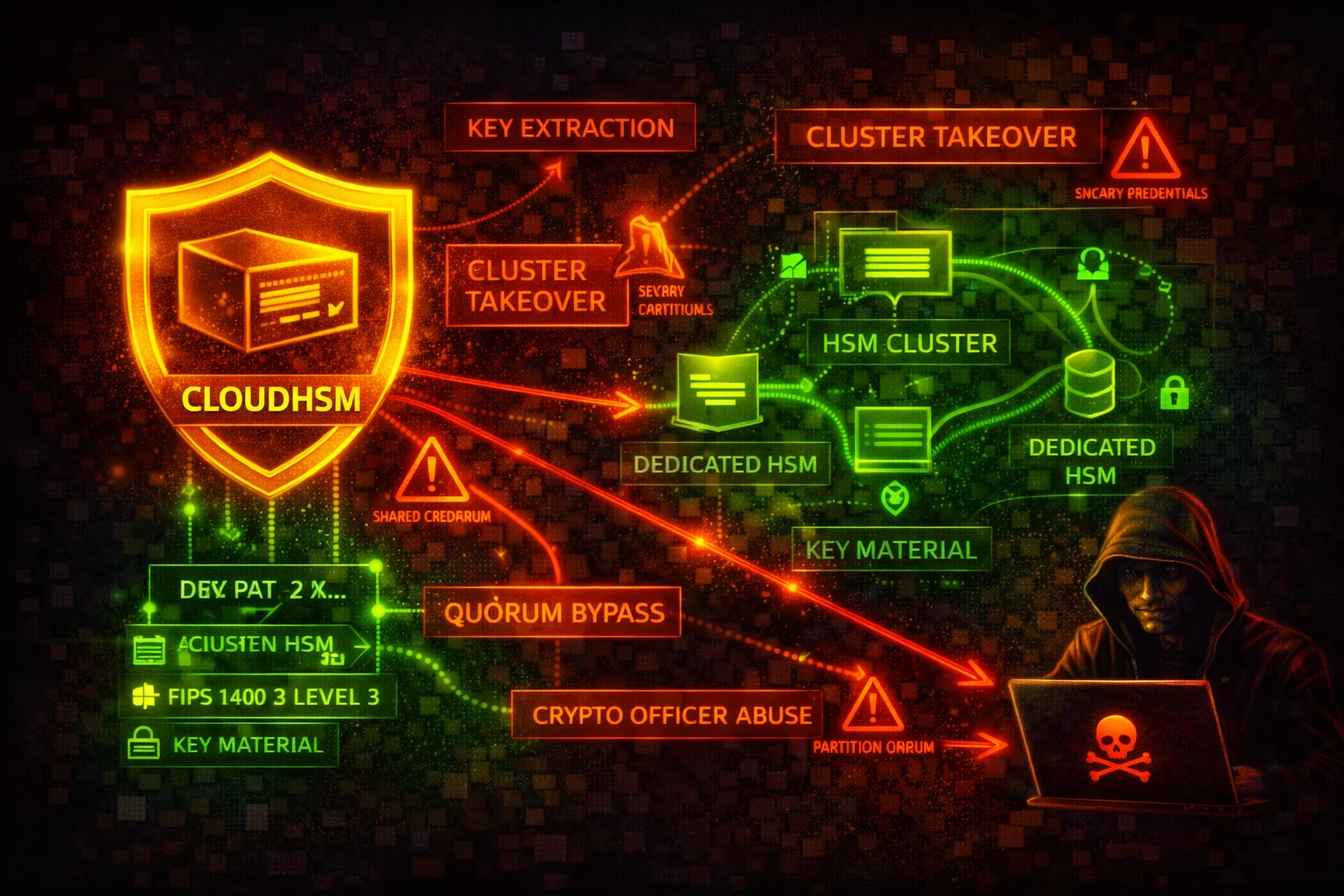

AWS CloudHSM Security
ENCRYPTIONCloudHSM provides single-tenant, FIPS-validated hardware security modules in your VPC for cryptographic key generation, storage, and operations. The primary attack surface centers on HSM user credential compromise, network-level access to HSM ENIs, and IAM-level control-plane abuse.
📋Service Overview
HSM Clusters & Instances
CloudHSM clusters contain one or more HSM instances distributed across Availability Zones within a VPC. Each HSM gets an ENI in your subnet. Clients connect via ports 2223-2225.
Attack note: Compromising the cluster security group or gaining network access to HSM ENIs allows direct interaction with HSM instances.
HSM User Model (Admin / CU / AU)
CloudHSM has its own user model separate from IAM: Admin (manages users), Crypto User (creates/uses keys), and Appliance User (AWS-managed sync). Credentials are managed outside IAM.
Attack note: If an attacker obtains the admin or CU password, IAM policies cannot prevent HSM-level operations. Credential theft is the highest-impact vector.
Security Risk Assessment
CloudHSM has strong cryptographic protections: key material never leaves the HSM unencrypted. However, HSM user credentials exist outside IAM without MFA, the IAM control plane allows cluster destruction and backup exfiltration, and quorum authentication is not enabled by default.
⚔️Attack Vectors
Credential & Authentication Attacks
- •HSM admin credential theft from configs or env vars
- •Crypto User password compromise for key operations
- •Weak admin password (no complexity enforcement)
- •kmsuser credential extraction from custom key store
- •Brute-force HSM login (lockout after 5 failed attempts)
IAM Control-Plane Attacks
- •Cluster deletion via DeleteCluster/DeleteHsm
- •Backup exfiltration via CopyBackupToRegion
- •Backup deletion via DeleteBackup
- •HSM addition to attacker-accessible subnet
- •Resource policy manipulation via PutResourcePolicy
⚠️Misconfigurations
Cluster & Network Issues
- •Single-AZ deployment (no high availability)
- •Overly permissive security group (0.0.0.0/0)
- •HSM in public subnet instead of private
- •No VPC Flow Logs on HSM subnets
- •Modifying cluster security group rules
User & Key Management Issues
- •Quorum authentication not enabled
- •HSM credentials stored in plaintext
- •No key sharing restrictions between CUs
- •HSM user passwords never rotated
- •Wildcard IAM policies (cloudhsm:*)
🔍Enumeration
aws cloudhsmv2 describe-clustersaws cloudhsmv2 describe-clusters --filters clusterIds=cluster-1234abcd5678aws cloudhsmv2 describe-backupsaws cloudhsmv2 describe-backups --filters clusterIds=cluster-1234abcd5678aws cloudhsmv2 list-tags --resource-id cluster-1234abcd5678aws cloudhsmv2 get-resource-policy --resource-arn arn:aws:cloudhsm:us-east-1:123456789012:backup/backup-1234abcd5678📈Privilege Escalation
IAM-Level Escalation Paths
- •CreateCluster + CreateHsm + InitializeCluster from stolen backup
- •RestoreBackup + CreateCluster to recover deleted key material
- •PutResourcePolicy for cross-account backup access
- •CopyBackupToRegion to region with more permissive IAM
HSM-Level Escalation
- •Admin resets CU password to access their keys
- •CU key sharing abuse across compromised accounts
Note: The attacker still needs HSM user credentials to log in and use keys. Backups are encrypted and can only be restored to AWS-owned HSMs.
🛡️Detection
CloudTrail Events
- •DeleteCluster - cluster destroyed
- •DeleteHsm - HSM instance removed
- •CopyBackupToRegion - backup exfiltration
- •DeleteBackup - backup destroyed
- •PutResourcePolicy - cross-account access granted
HSM Audit Log Events (CloudWatch)
- •Failed login attempts on HSM user accounts
- •Admin password changes or user creation
- •Key export operations
- •Quorum token operations
- •CU key sharing changes
💻Exploitation Commands
aws cloudhsmv2 describe-backups \
--query "Backups[*].{ID:BackupId,ClusterId:ClusterId,State:BackupState}"aws cloudhsmv2 copy-backup-to-region \
--destination-region eu-west-1 \
--backup-id backup-1234abcd5678aws cloudhsmv2 create-cluster \
--hsm-type hsm2m.medium \
--subnet-ids subnet-abcdef12 \
--source-backup-id backup-1234abcd5678aws cloudhsmv2 create-hsm \
--cluster-id cluster-newcluster \
--availability-zone eu-west-1a📜CloudHSM IAM Policy Examples
{
  "Effect": "Allow",
  "Action": "cloudhsm:*",
  "Resource": "*"
}
Grants full control including DeleteCluster, DeleteHsm, DeleteBackup, CopyBackupToRegion, and PutResourcePolicy. An attacker can destroy clusters and exfiltrate backups.
{
  "Effect": "Allow",
  "Action": [
    "cloudhsm:DescribeClusters",
    "cloudhsm:DescribeBackups",
    "cloudhsm:ListTags"
  ],
  "Resource": "*"
}
Grants only read-only access for monitoring and inventory. Cannot modify, delete, or create any CloudHSM resources.
{
  "Effect": "Allow",
  "Action": [
    "cloudhsm:DescribeClusters",
    "cloudhsm:DescribeBackups",
    "cloudhsm:ListTags",
    "cloudhsm:CreateHsm",
    "cloudhsm:TagResource",
    "cloudhsm:UntagResource"
  ],
  "Resource": "*"
},
{
  "Effect": "Deny",
  "Action": [
    "cloudhsm:DeleteCluster",
    "cloudhsm:DeleteHsm",
    "cloudhsm:DeleteBackup",
    "cloudhsm:CopyBackupToRegion",
    "cloudhsm:PutResourcePolicy"
  ],
  "Resource": "*"
}
Allows day-to-day operations while explicitly denying destructive actions and exfiltration vectors.
{
  "Effect": "Deny",
  "Action": [
    "cloudhsm:DeleteCluster",
    "cloudhsm:DeleteHsm",
    "cloudhsm:DeleteBackup"
  ],
  "Resource": "*",
  "Condition": {
    "StringNotEquals": {
      "aws:PrincipalArn": "arn:aws:iam::*:root"
    }
  }
}
SCP to prevent unauthorized deletion of CloudHSM resources across the organization.
🛡️Defense Recommendations
Enable Quorum Authentication (M-of-N)
Require multiple admins to approve sensitive operations like user creation, deletion, and password changes.
# cloudhsm-cli> quorum token-sign set-quorum-value --service user --value 2Deploy Multi-AZ Clusters
Always run at least two HSMs in separate Availability Zones for high availability and resilience.
aws cloudhsmv2 create-hsm \
  --cluster-id cluster-1234abcd5678 \
--availability-zone us-east-1bRestrict CloudHSM Security Group
Ensure the cluster security group only allows inbound traffic from authorized client instances. Never add broad CIDR ranges.
aws ec2 describe-security-groups \
  --group-ids sg-cloudhsmclustersg \
--query "SecurityGroups[*].IpPermissions"Enable CloudTrail Logging
Monitor all CloudHSM API calls (CreateHsm, DeleteHsm, DeleteCluster, CopyBackupToRegion, DeleteBackup) via CloudTrail.
aws cloudtrail lookup-events \
--lookup-attributes AttributeKey=EventName,AttributeValue=DeleteClusterMonitor HSM Audit Logs via CloudWatch
CloudHSM sends HSM-level audit logs to CloudWatch Logs. Set up metric filters and alarms for failed logins and admin operations.
aws logs describe-log-groups --log-group-name-prefix /aws/cloudhsmEventBridge Rules for Critical Alerts
Create EventBridge rules to alert on high-risk CloudHSM API calls like DeleteHsm, DeleteCluster, and CopyBackupToRegion.
Secure HSM Credentials
Store HSM user credentials in AWS Secrets Manager with rotation. Never store them in plaintext in application code or environment variables.
Apply SCPs to Prevent Cluster Destruction
Use Service Control Policies to prevent unauthorized deletion of CloudHSM resources across the organization.
AWS CloudHSM Security Card • Toc Consulting
Always obtain proper authorization before testing
KloudSec, built by the team behind Toc Consulting
See AWS CloudHSM security checked automatically, continuously
What you just read is a manual, one-time check. KloudSec runs this and 400+ more automated checks across 90+ AWS services, continuously, agentless, live in about 5 minutes.
Toc Consulting: AWS Security & Cloud Architecture
Securing your AWS estate?
Our team helps engineering teams secure and architect AWS the right way: assessment in week one, a prioritized action plan in week two.